
Student Resources Center · Faculty publication
Teaching Literacy Notes
Two sets of self-study notes by Prof. Dr. Habib Ahmed, formerly Assistant Professor at GCE — compiled for the Teaching Literacy course (DTE-411) of the B.Ed. (Hons) 4 Year programme, 3rd semester. Read each one online, with pages that turn like a printed copy.
About the author
Prof. Dr. Habib Ahmed

Prof. Dr. Habib Ahmed
Assistant Professor · BPS-18
- Ph.D. (Education)
- M.Phil. (Education)
- M.Ed.
- B.Ed.
- M.A. (Economics, Political Science, Islamic Culture, Sociology)
- LLB
- Post-Graduate Diploma (Quality Assurance in Higher Education)
Retired At GCE 2019 – 2025
Two sets of notes compiled by Prof. Dr. Habib Ahmed for self-study in the Teaching Literacy course, taken by B.Ed. (Hons) 4 Year students in their 3rd semester. Both follow the course’s three units: what reading and writing are; growing up to read and write, in the early years; and becoming readers and writers in classes 1 to 3.
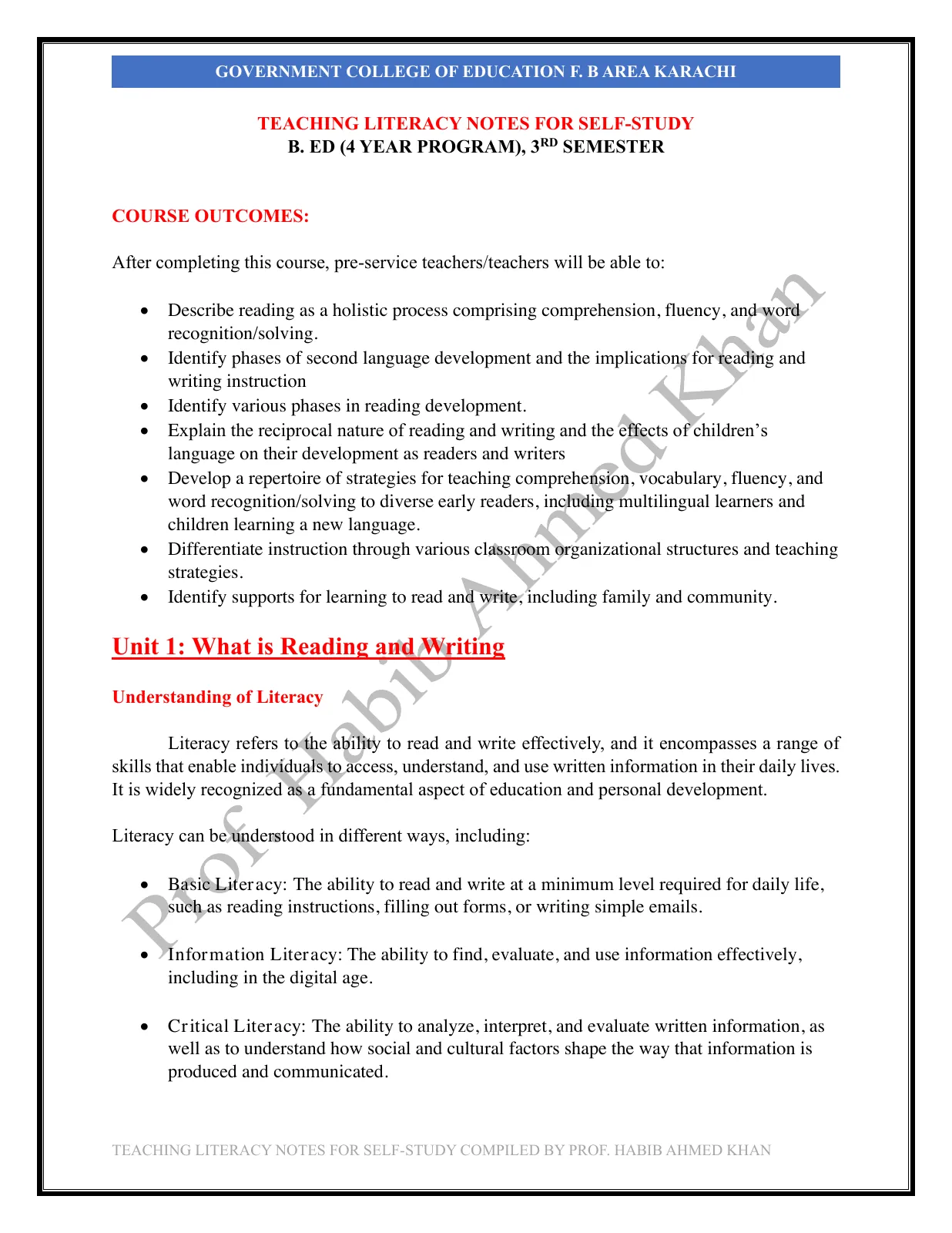
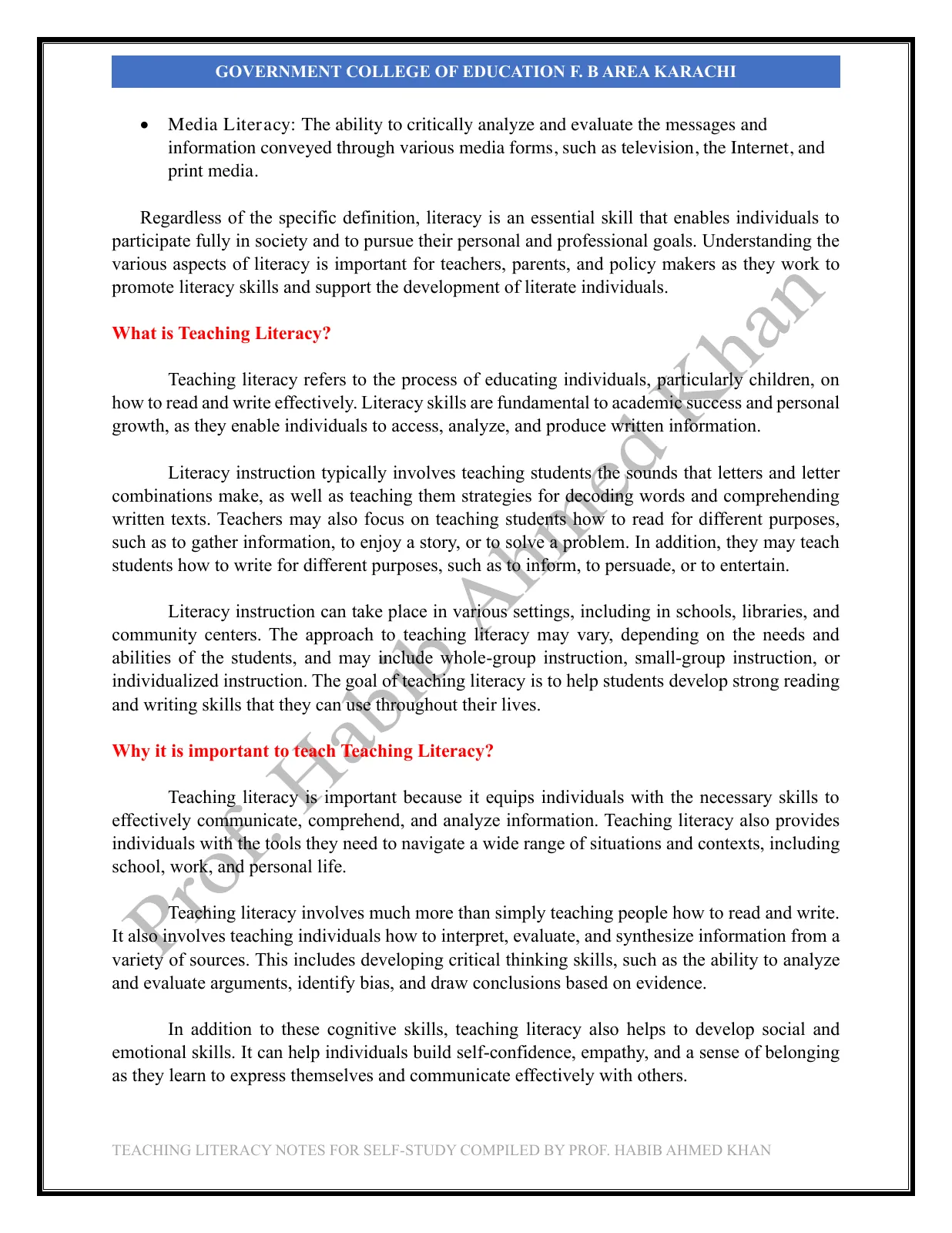
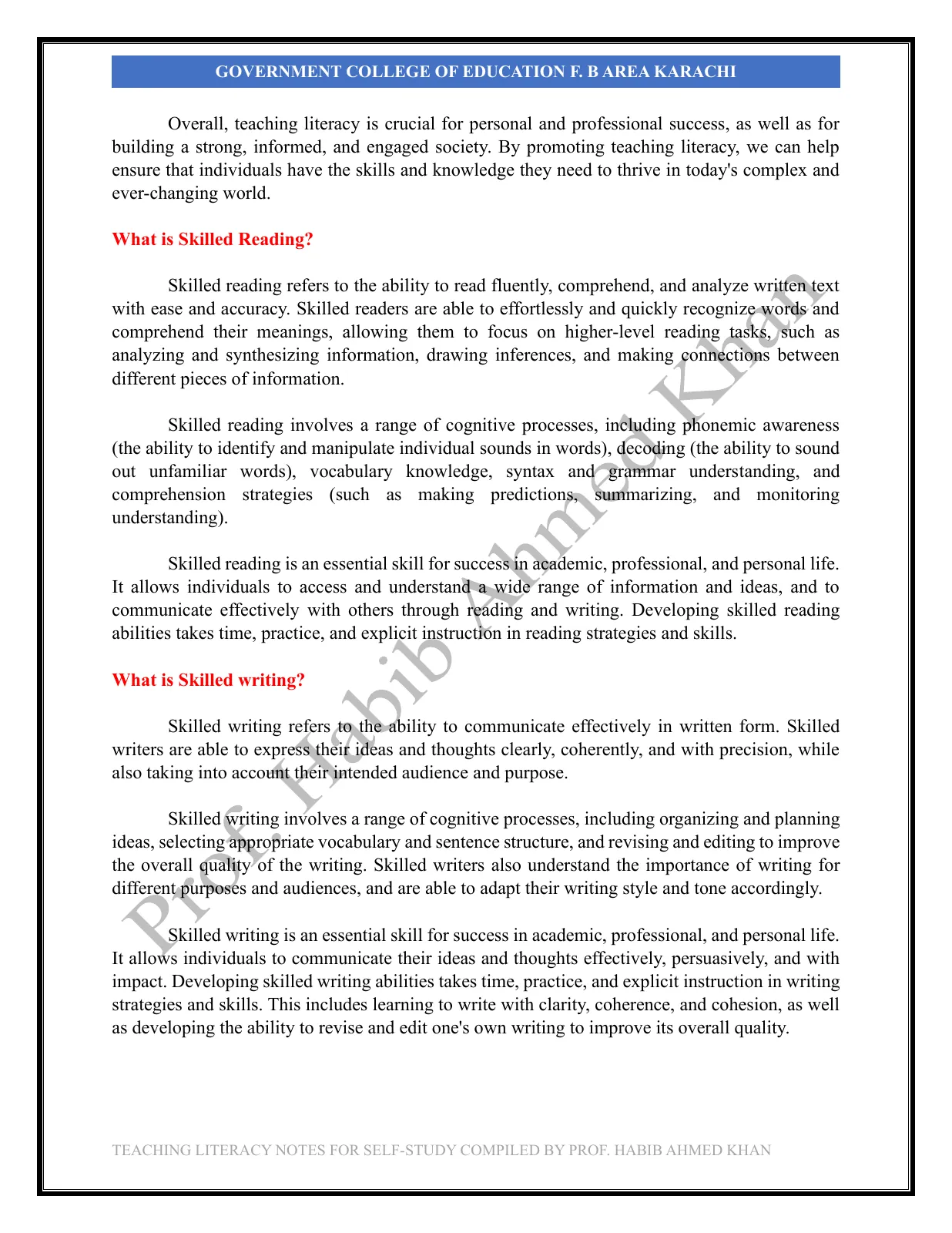
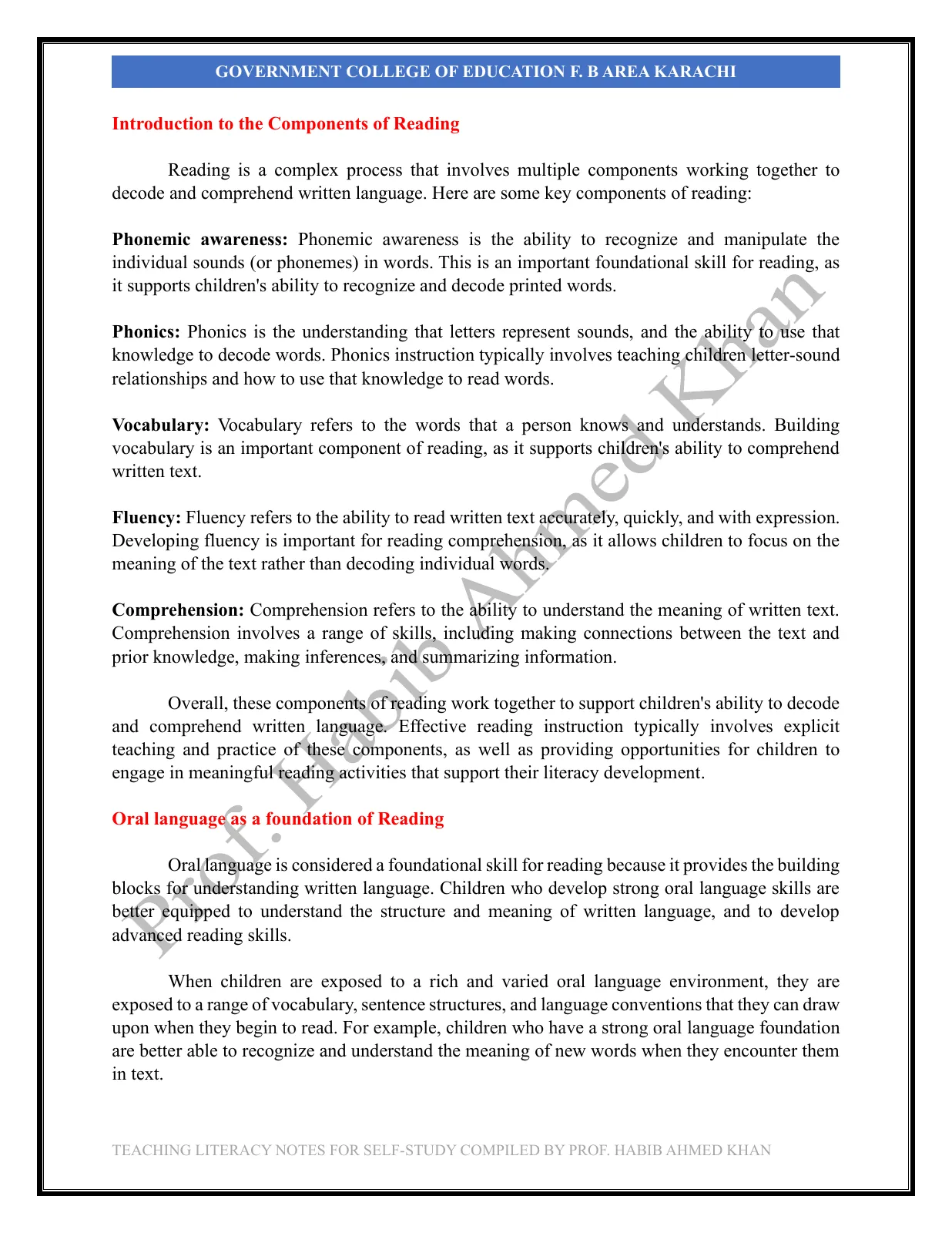
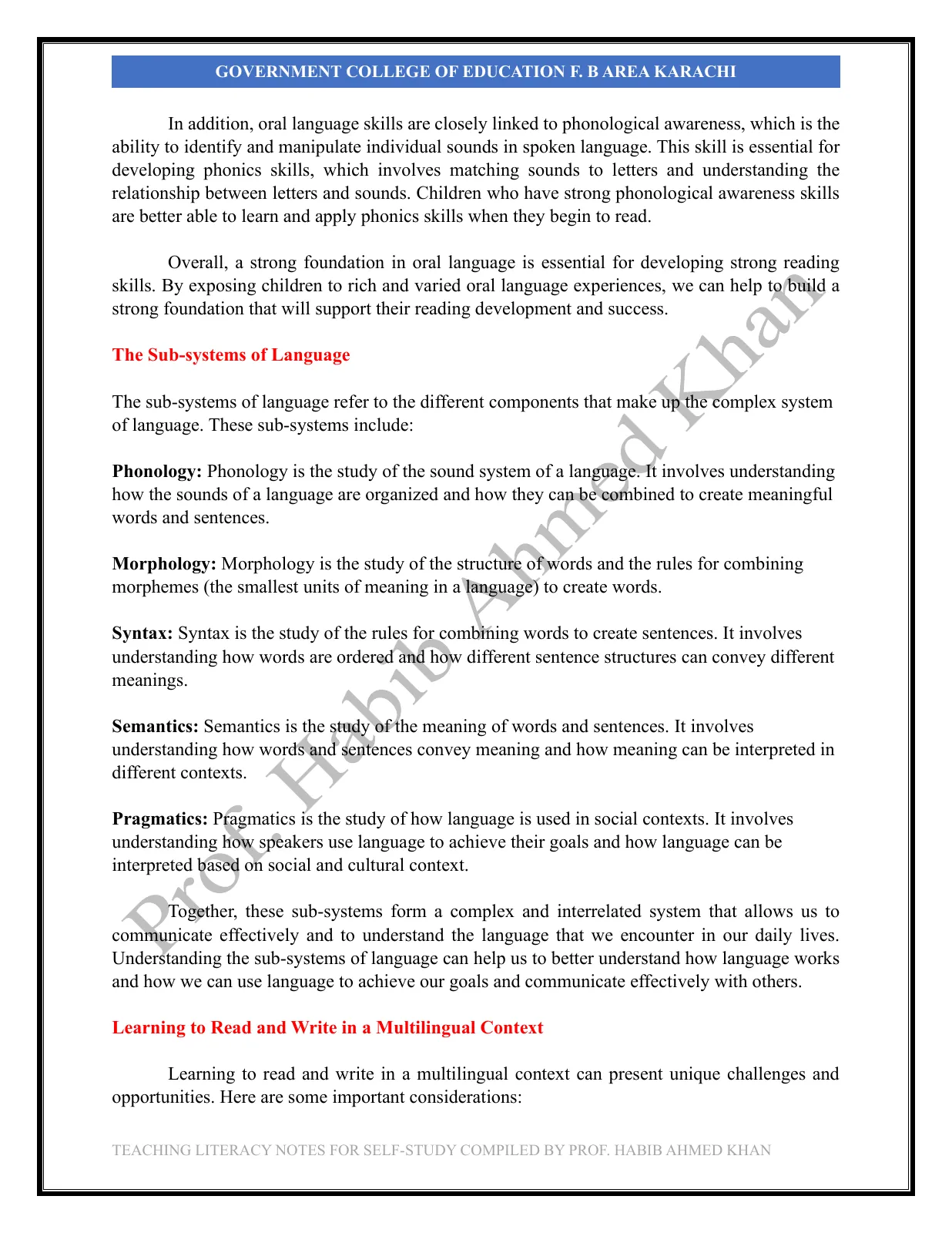
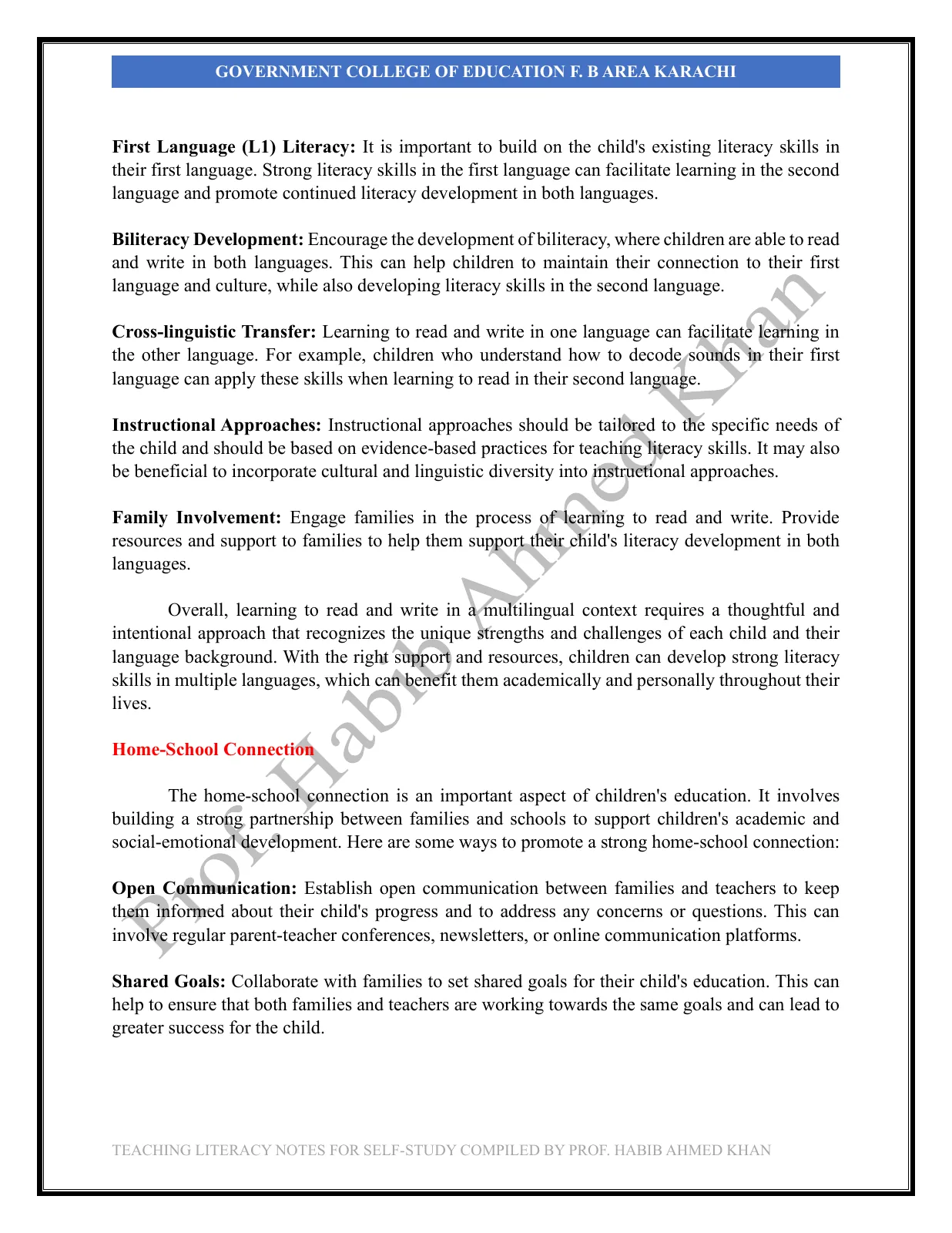
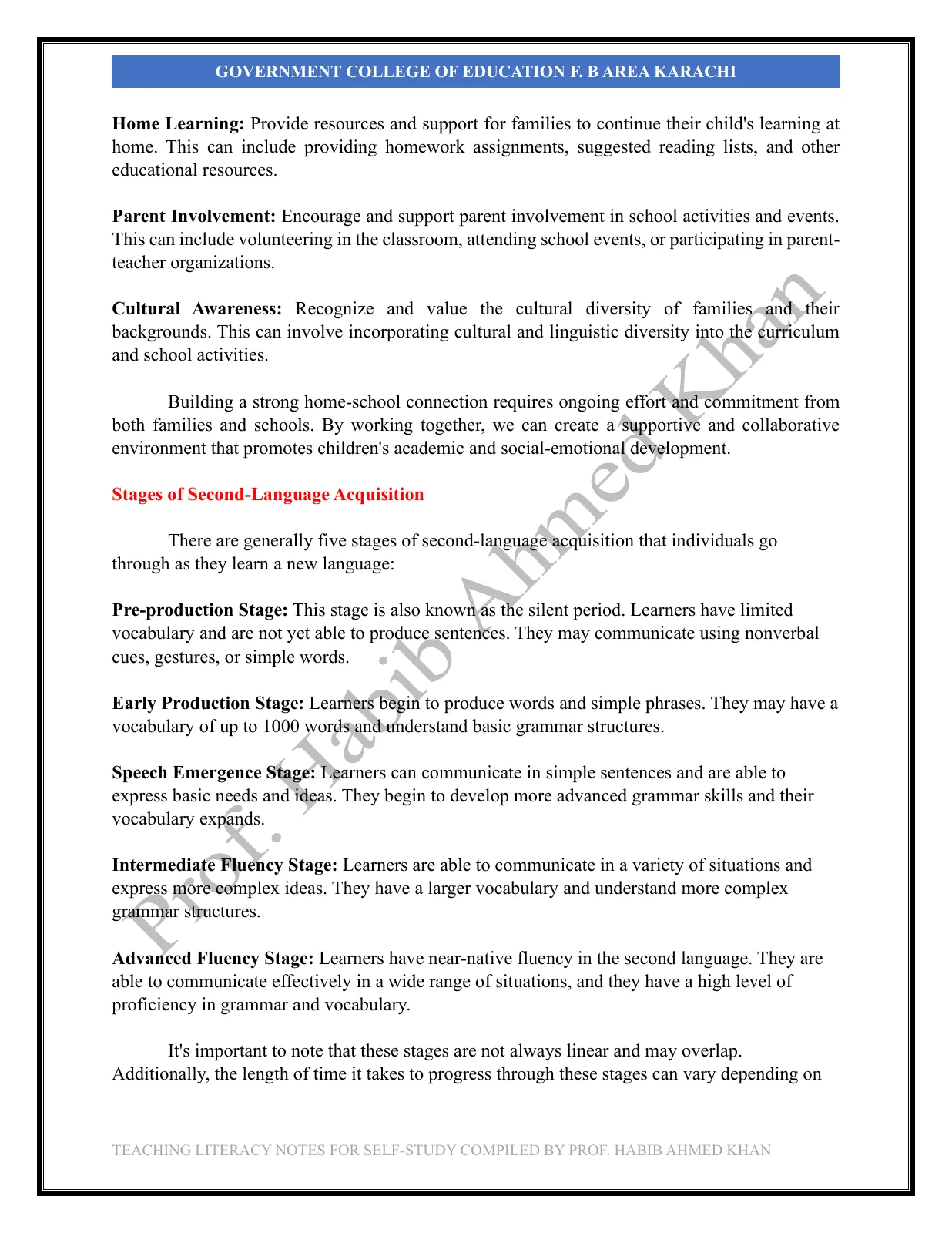
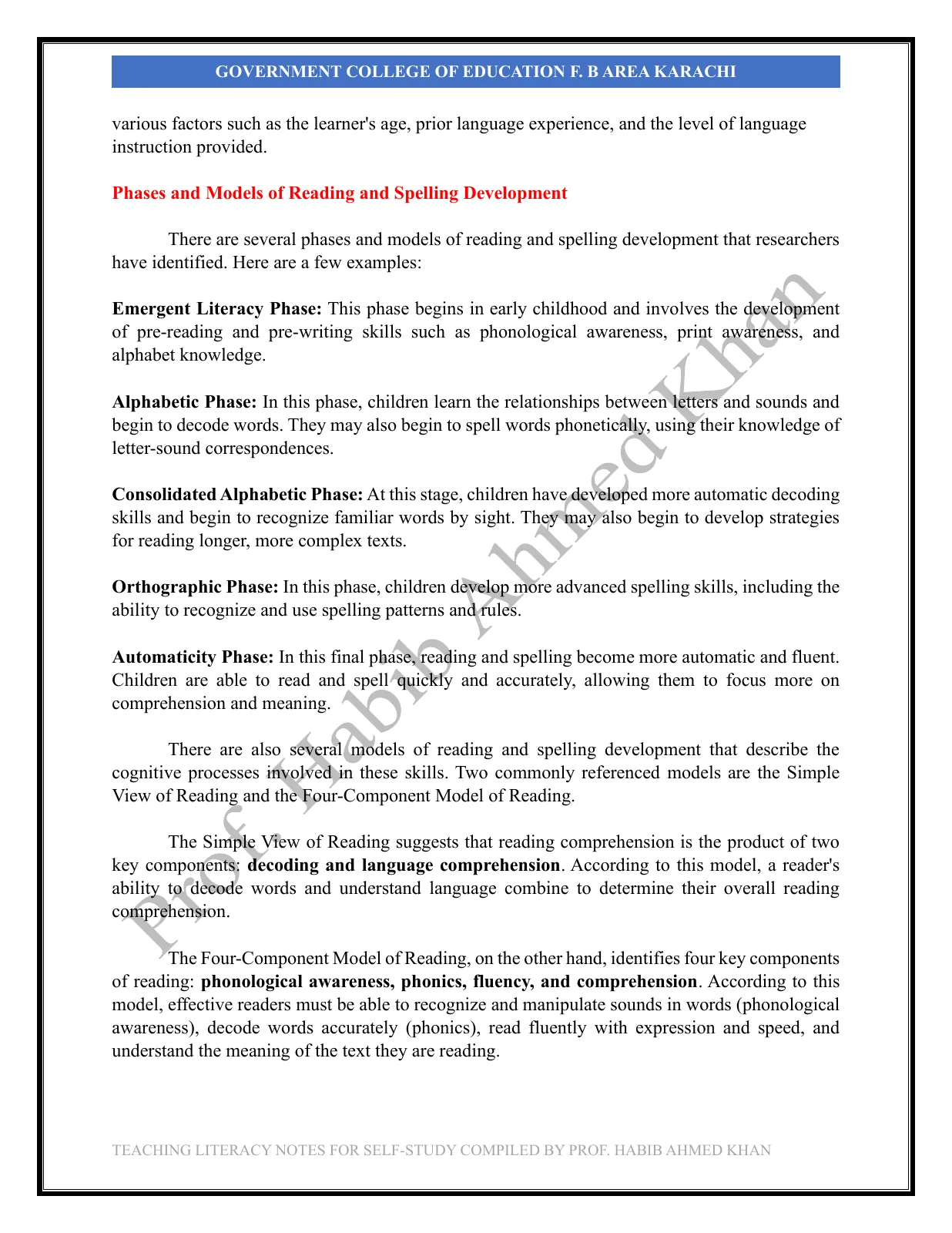
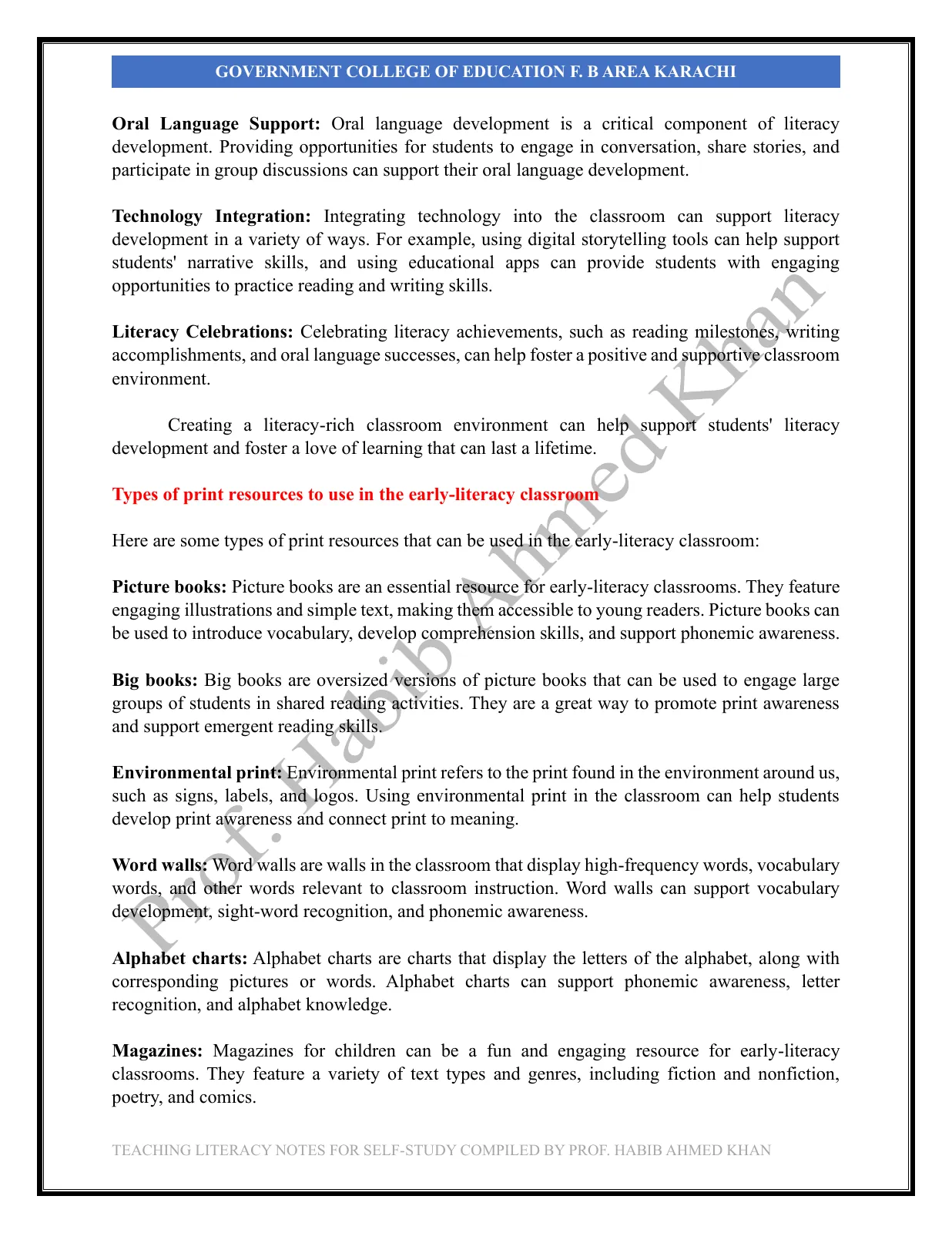
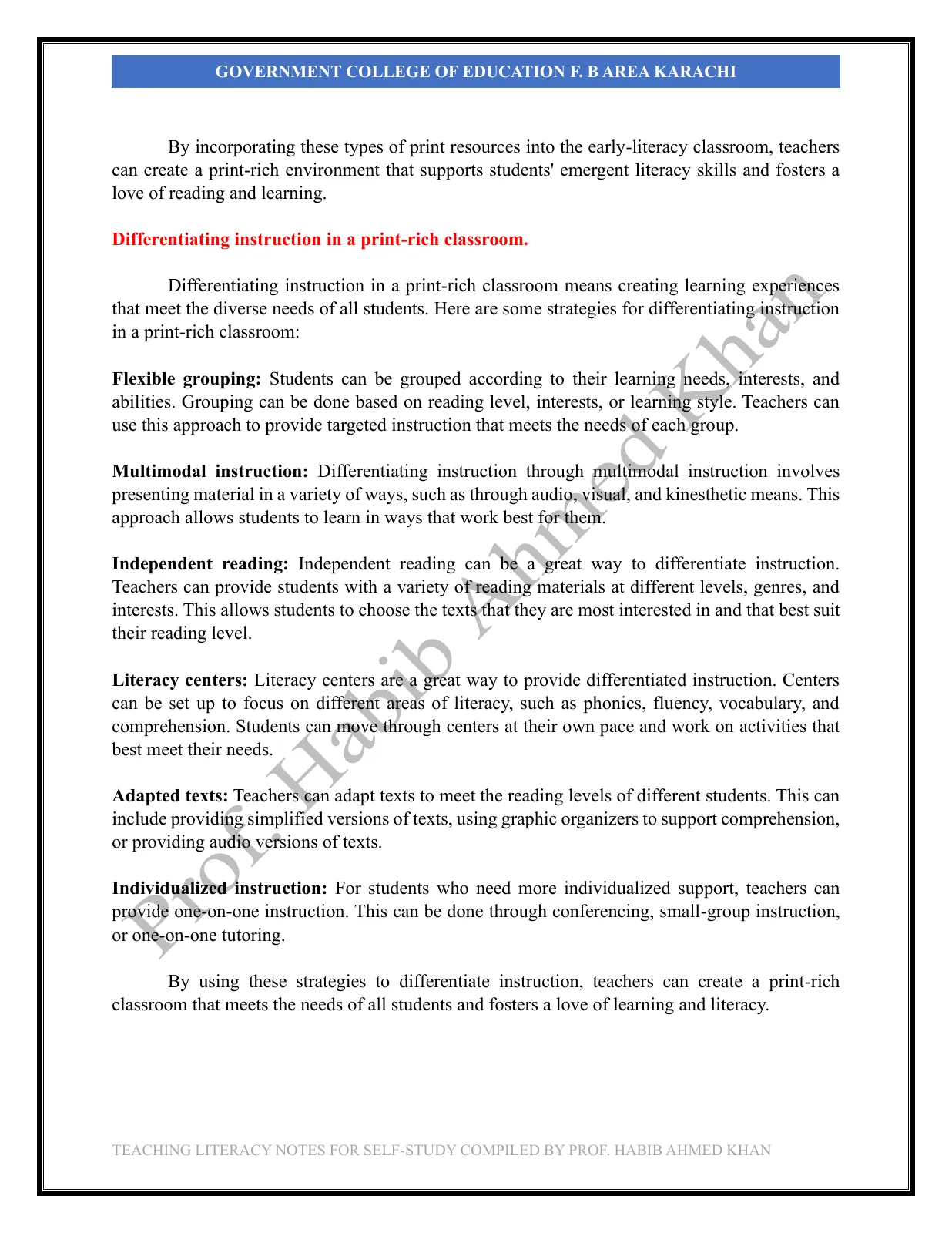
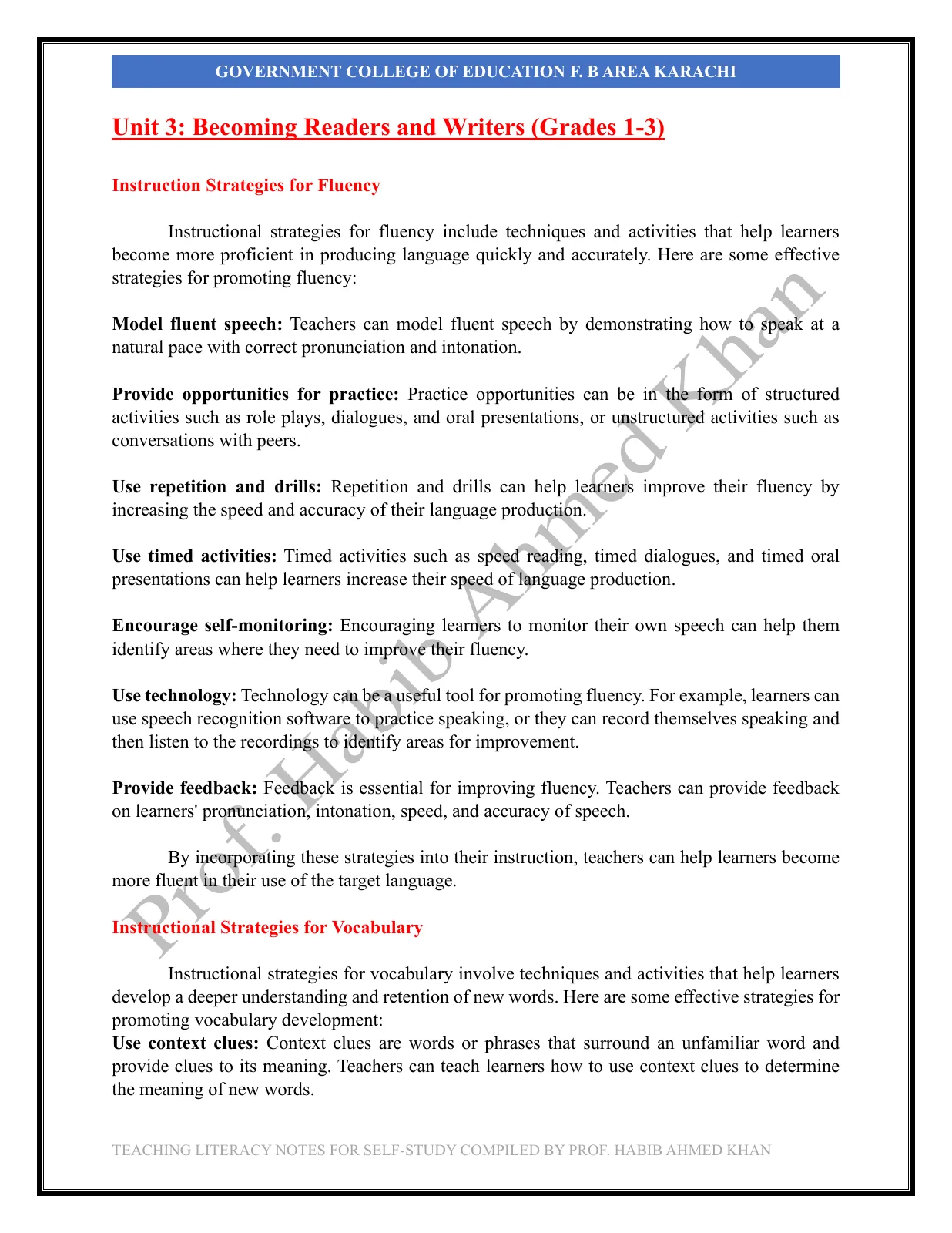
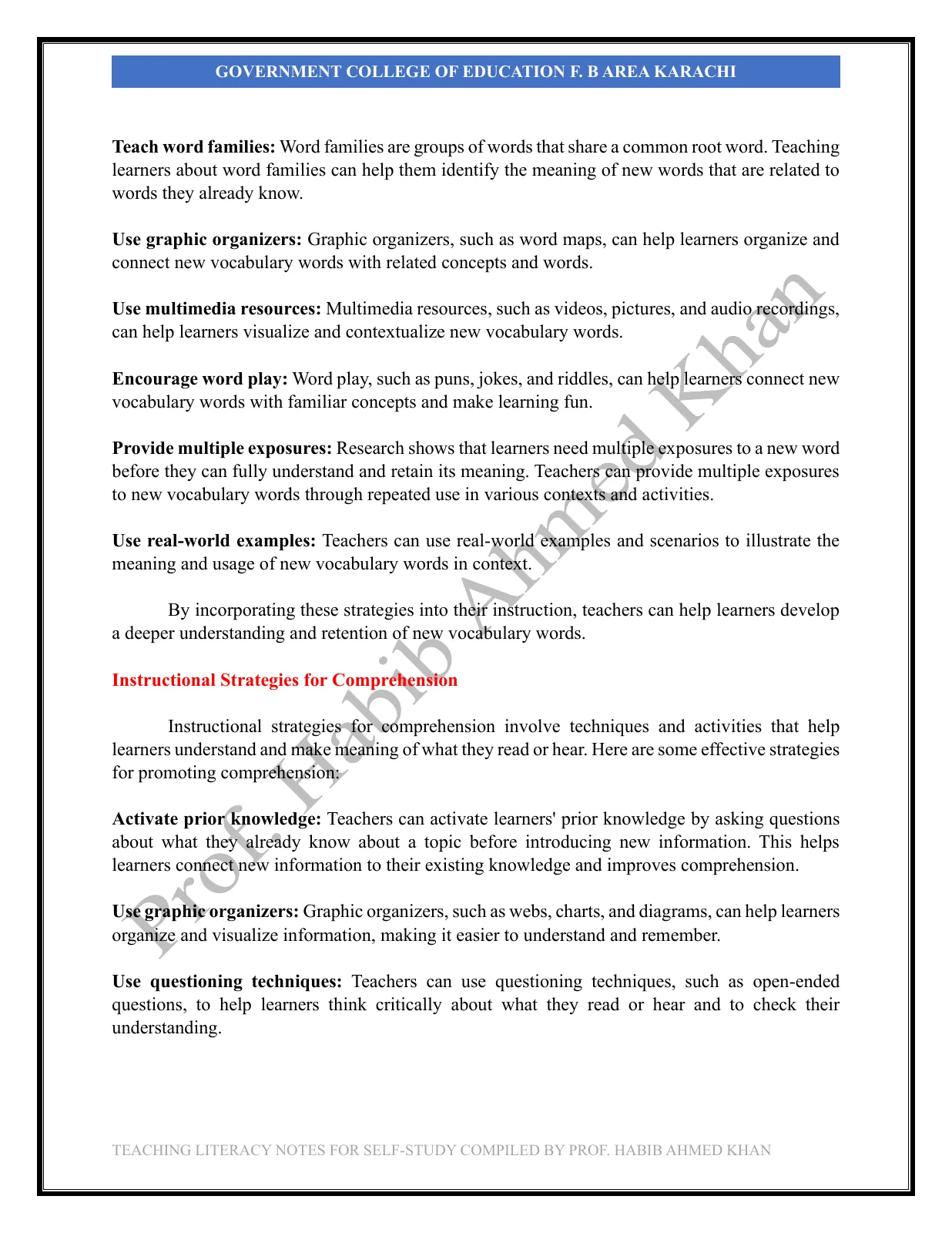
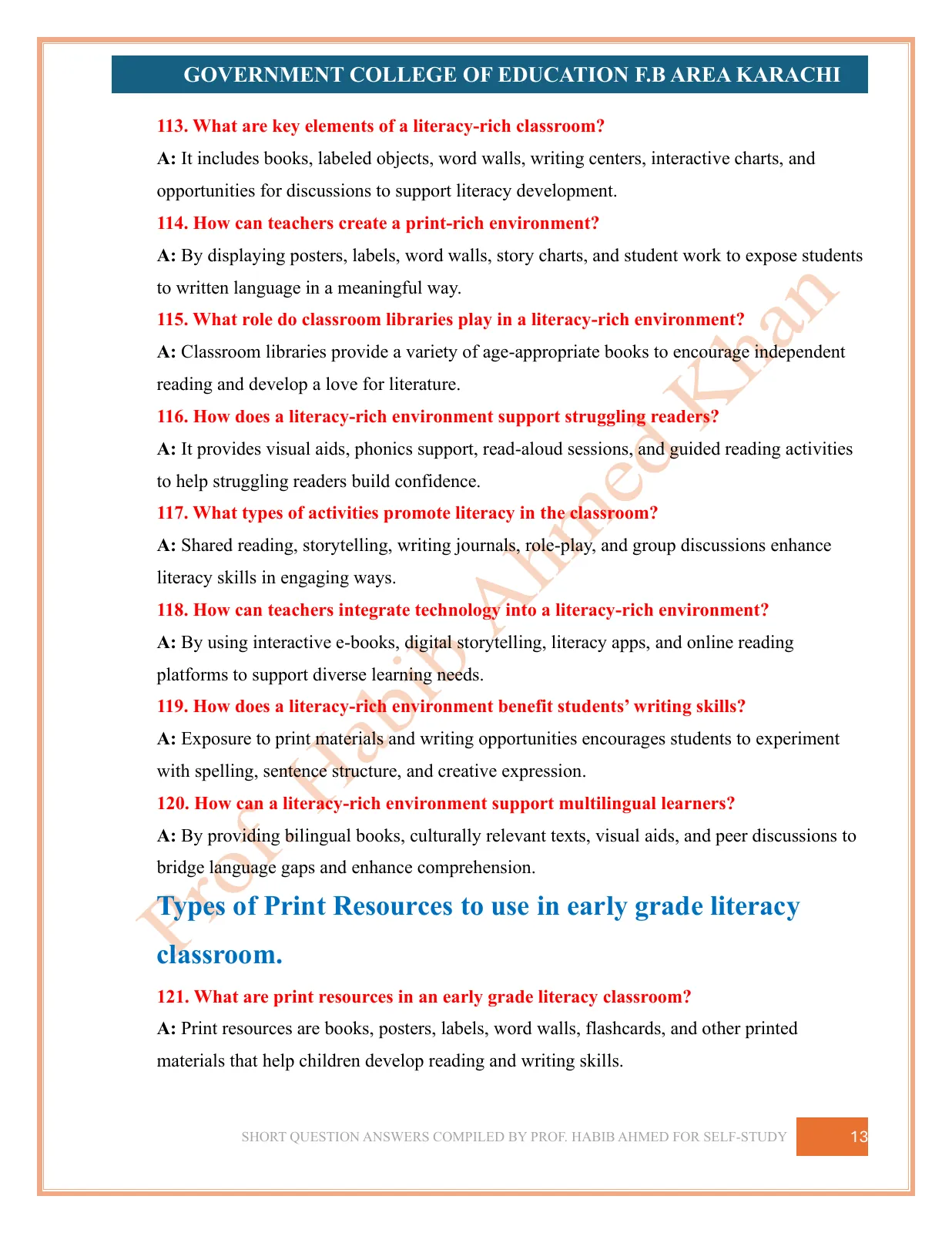
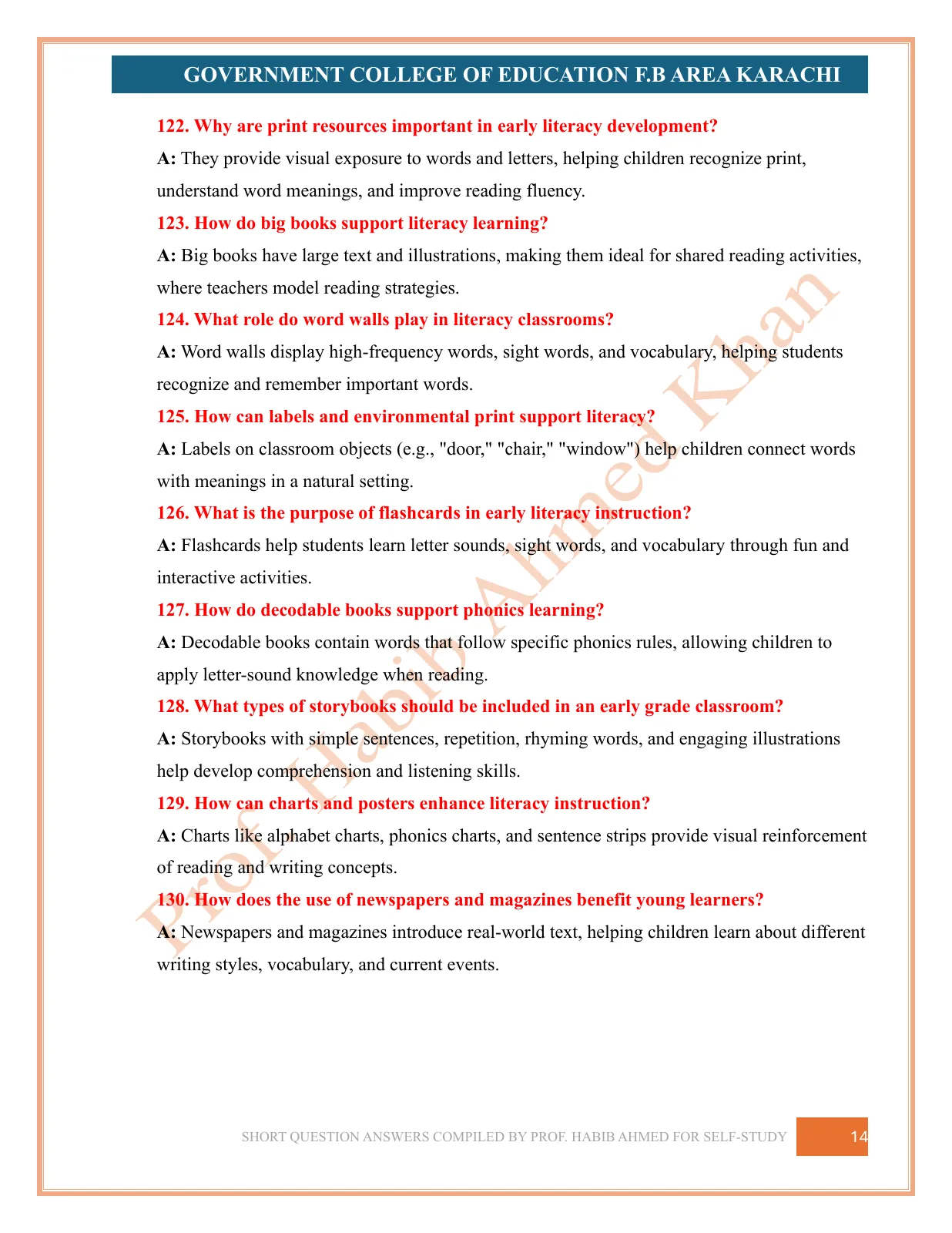
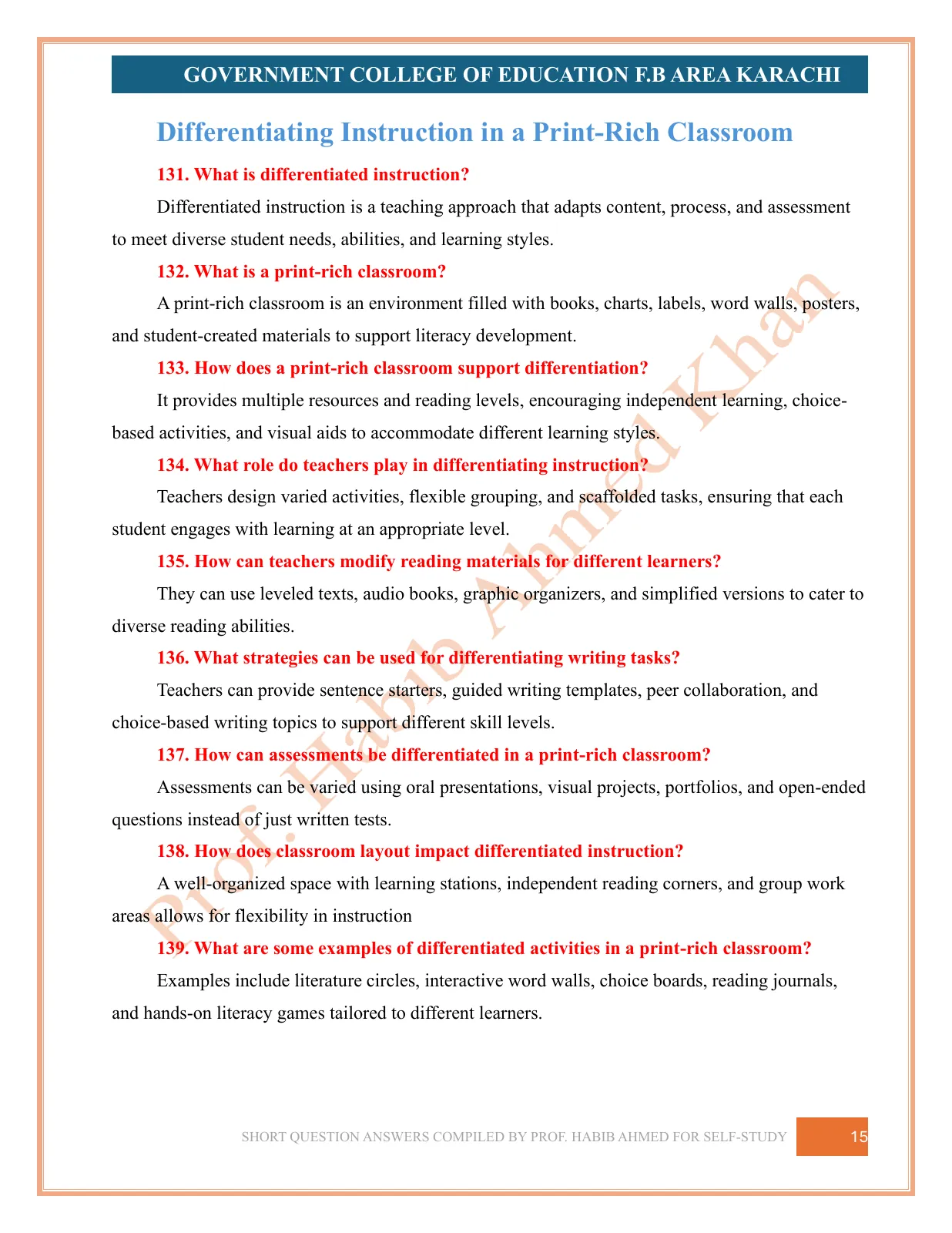
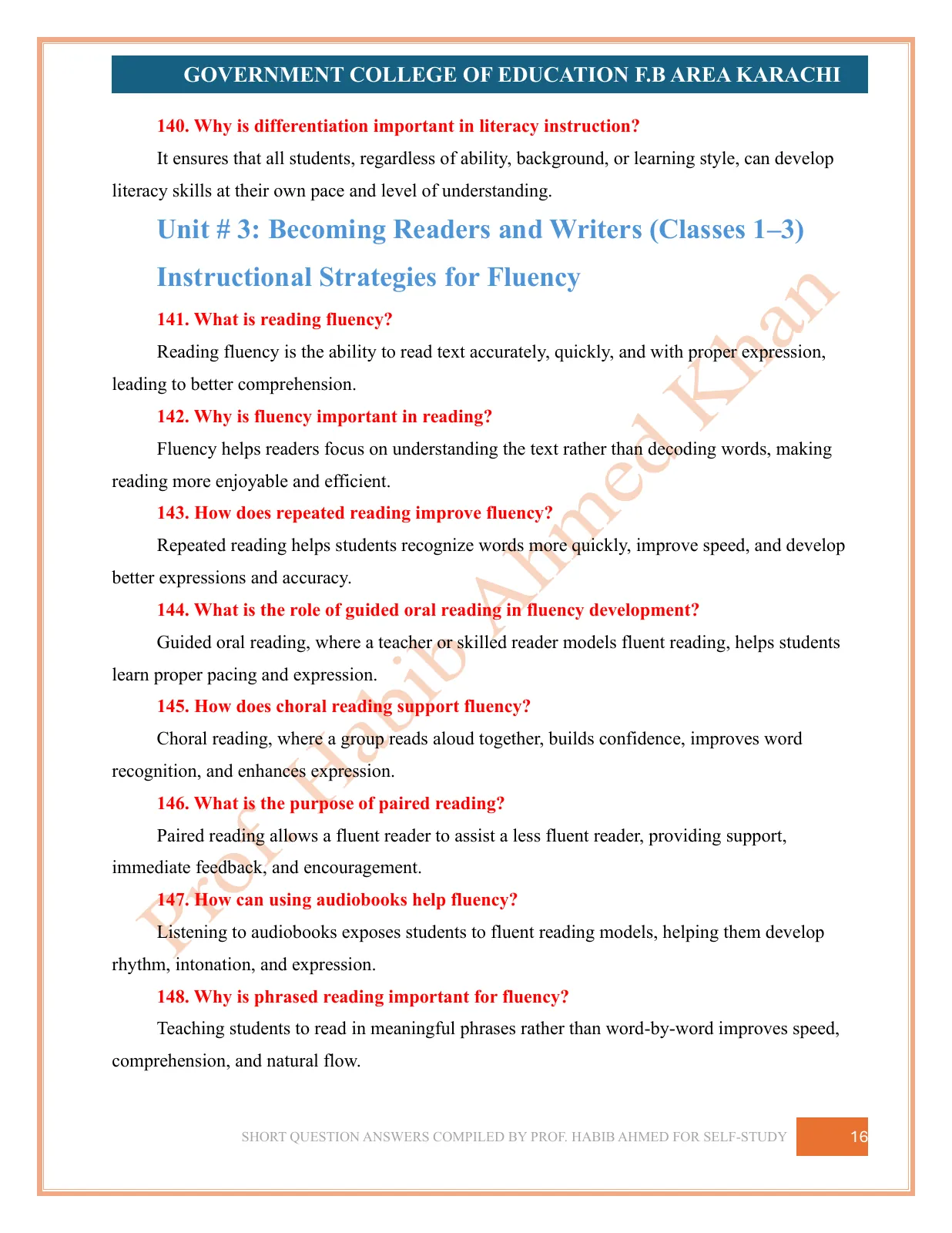
Teaching Literacy Skills opens with the course outcomes and works through each unit in prose — literacy, skilled reading and skilled writing; the components of reading and the sub-systems of language; learning to read and write in a multilingual context, the home–school connection, and the stages of second-language acquisition and of reading, spelling and writing development; phonological awareness, the alphabetic principle, word recognition and the literacy-rich, print-rich classroom; and strategies for fluency, vocabulary and comprehension, matching texts to students, guided reading, and writing as a window into reading.
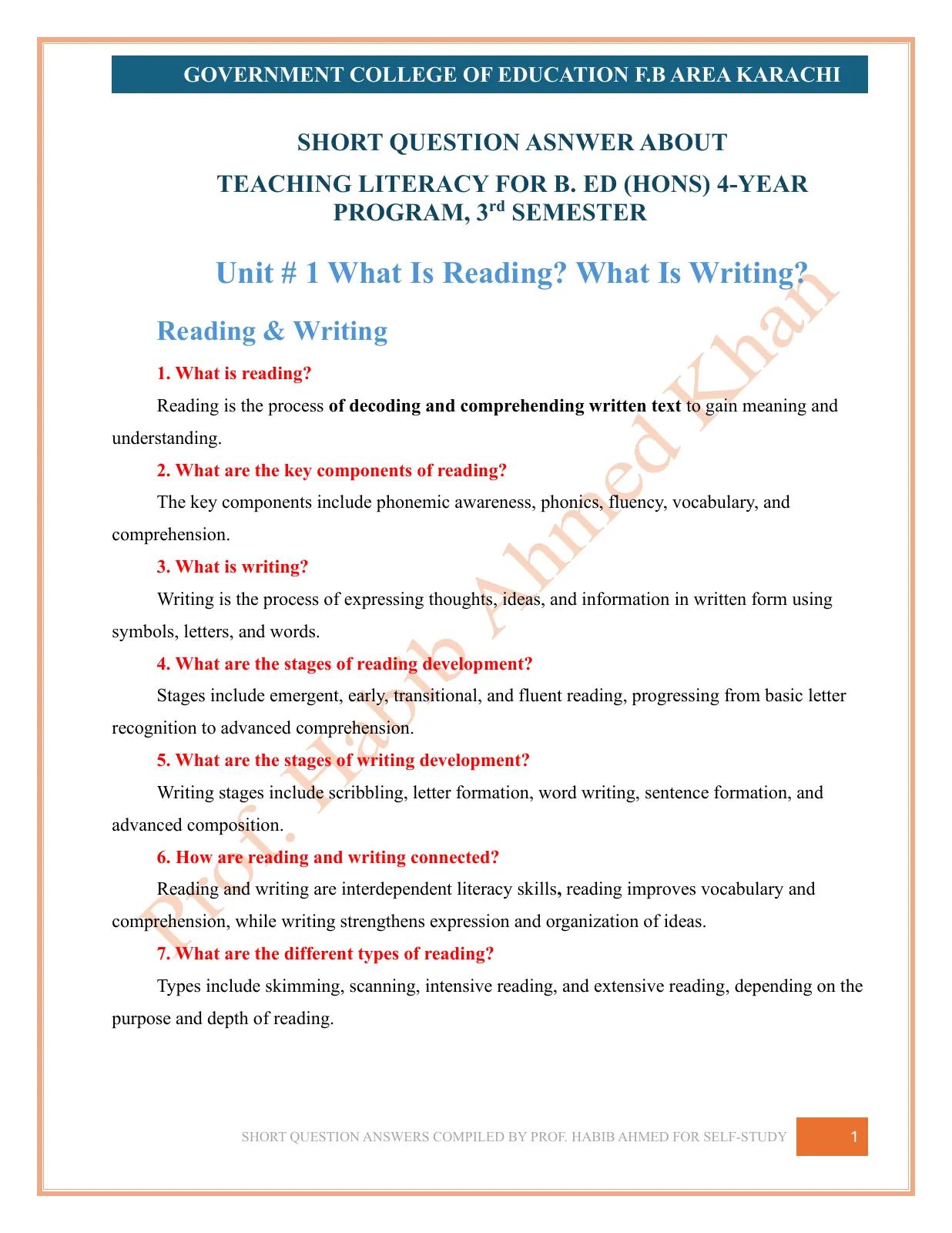
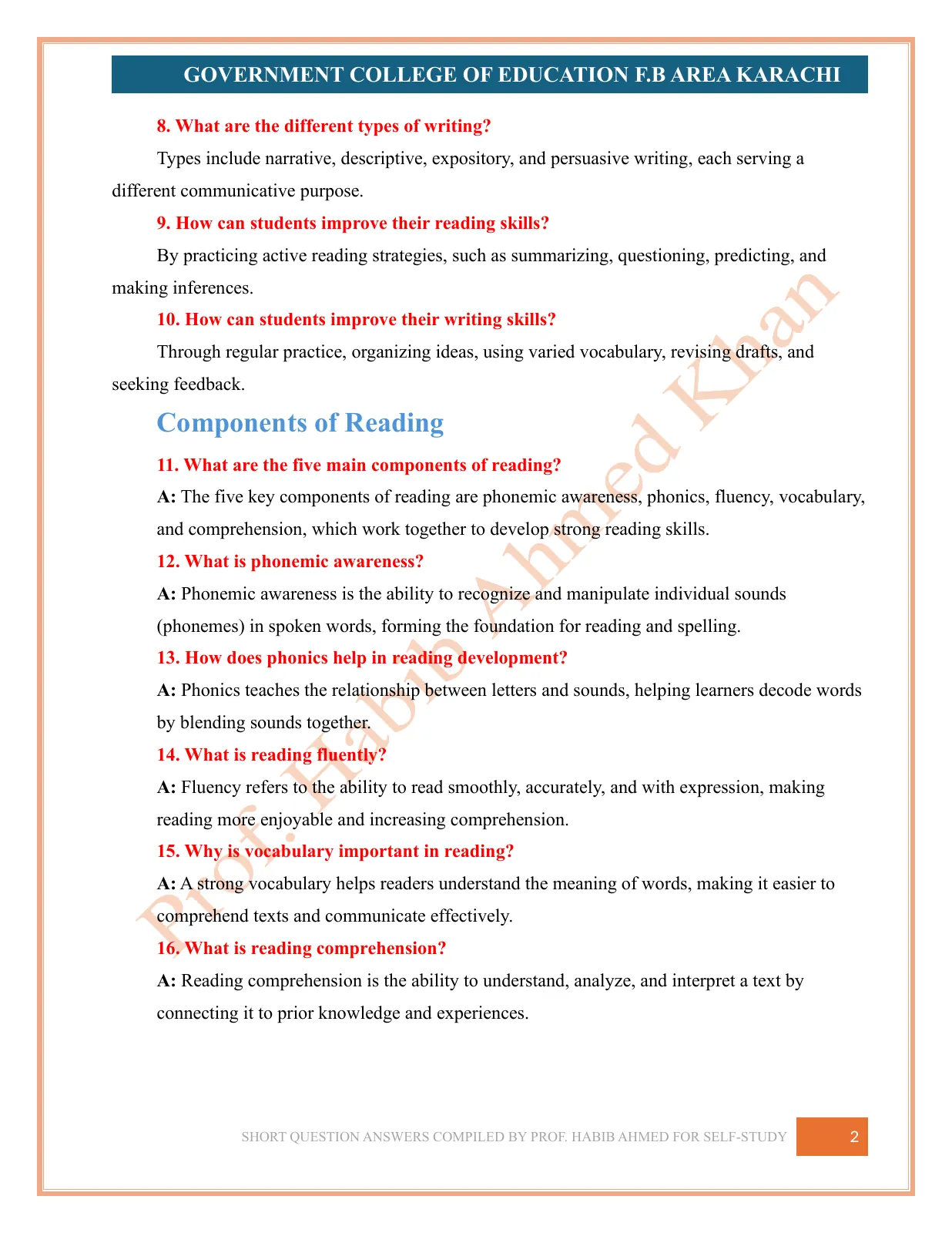
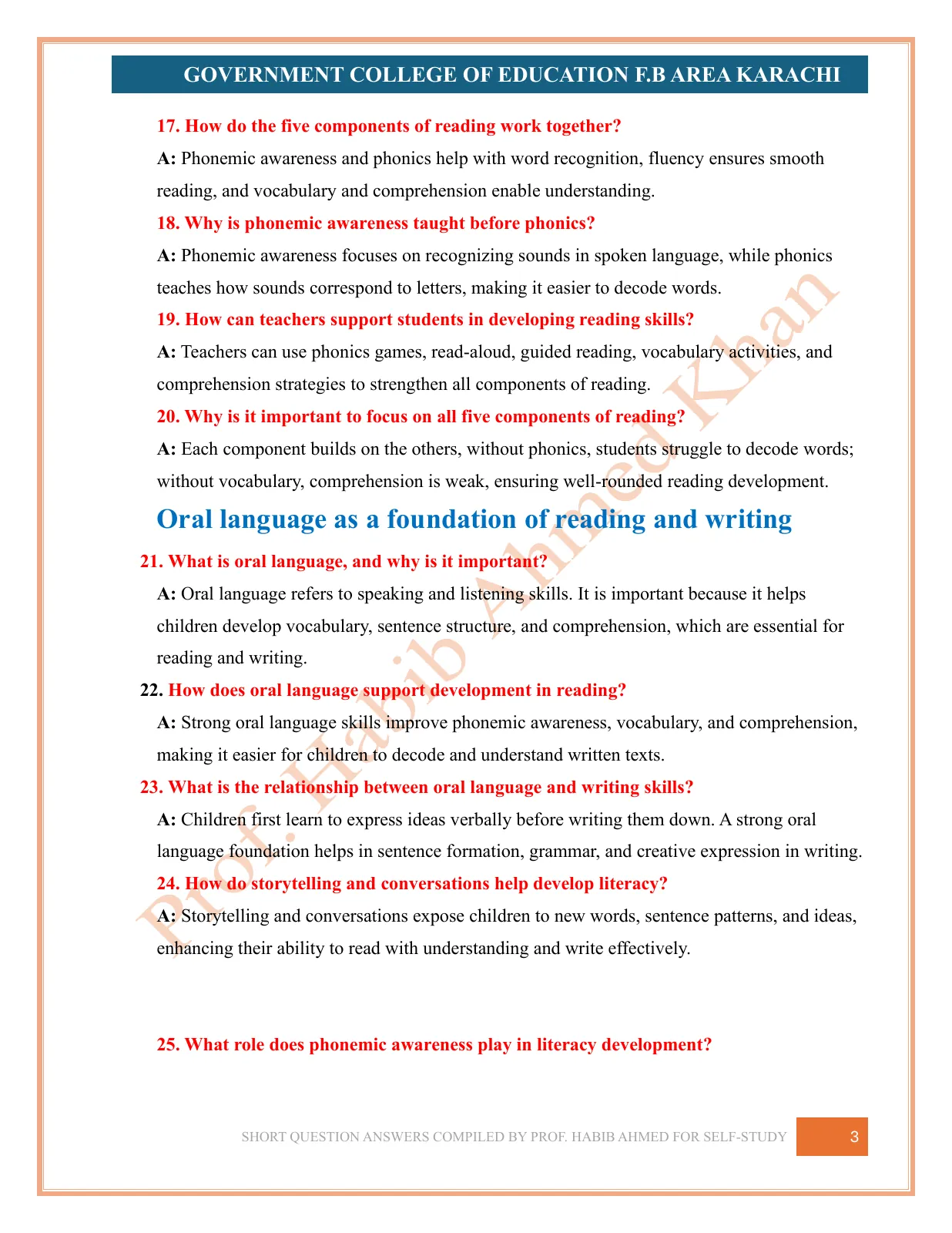
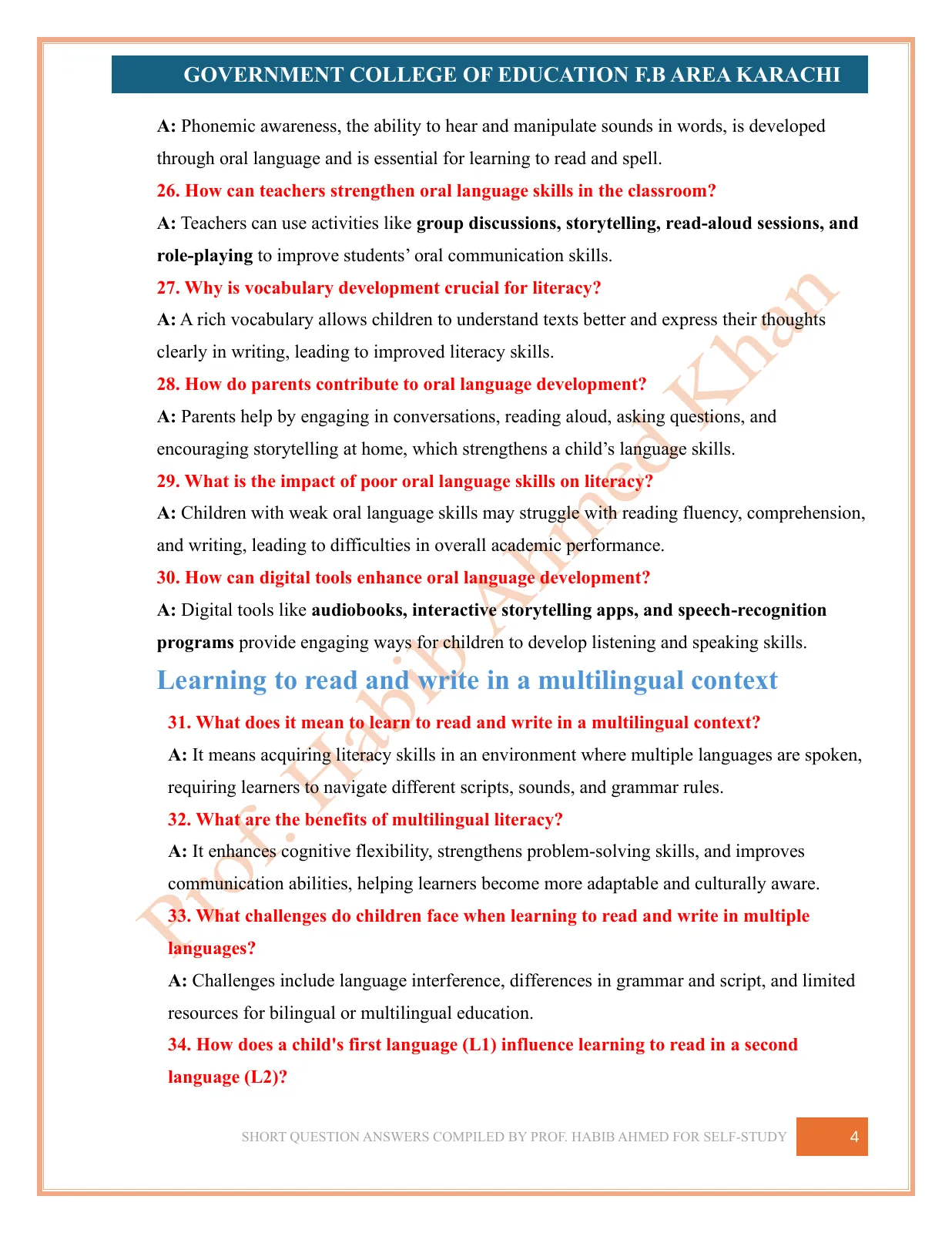
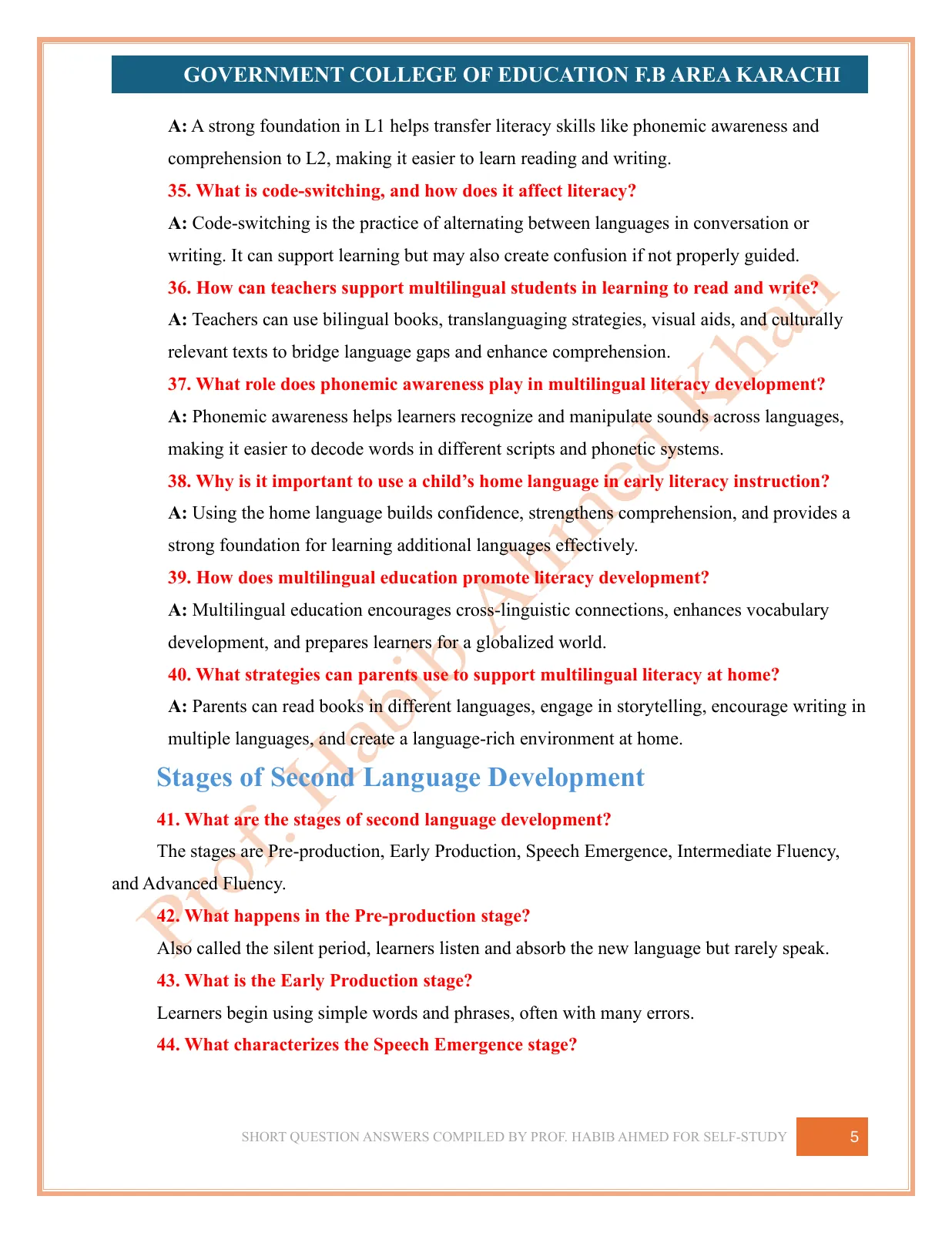
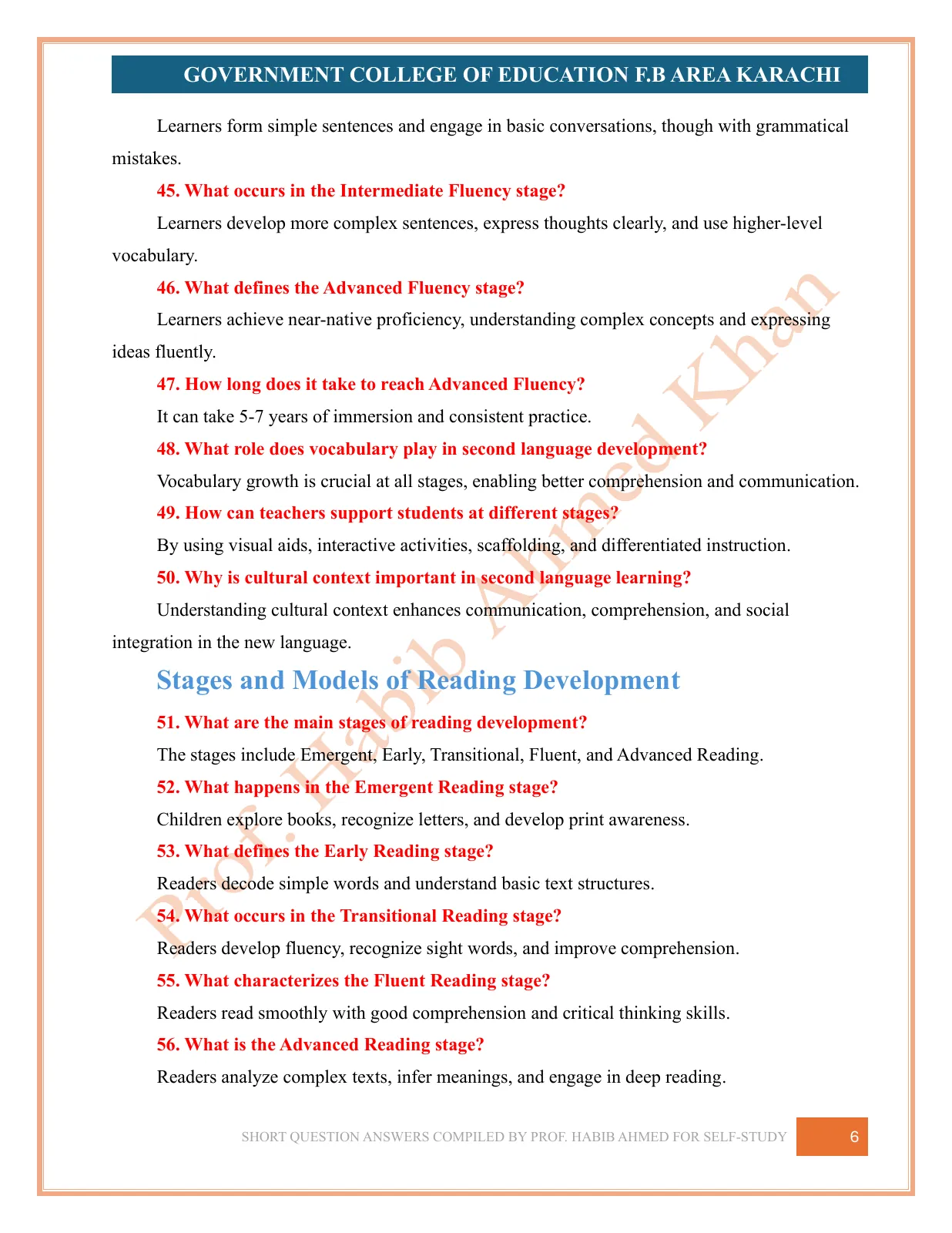
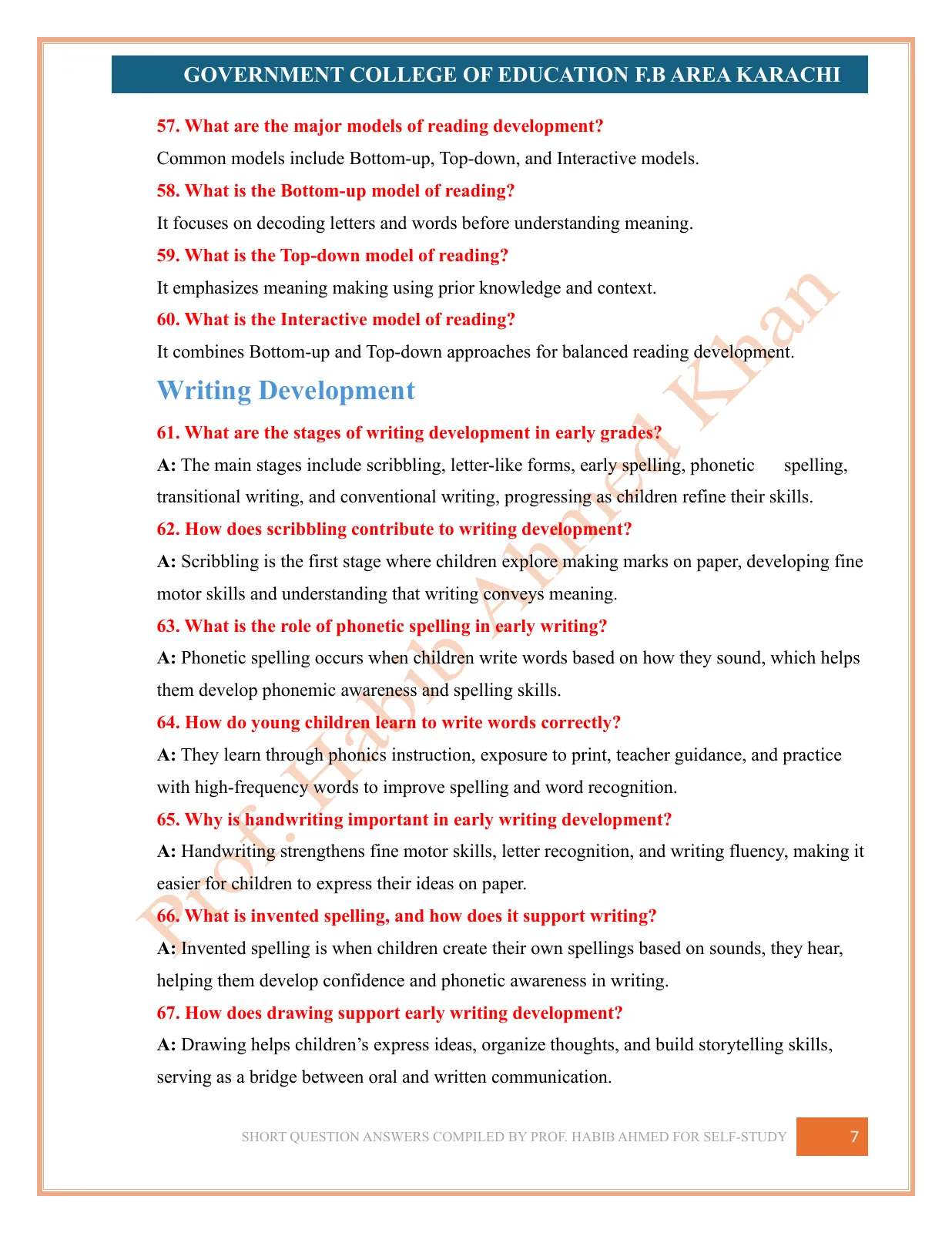
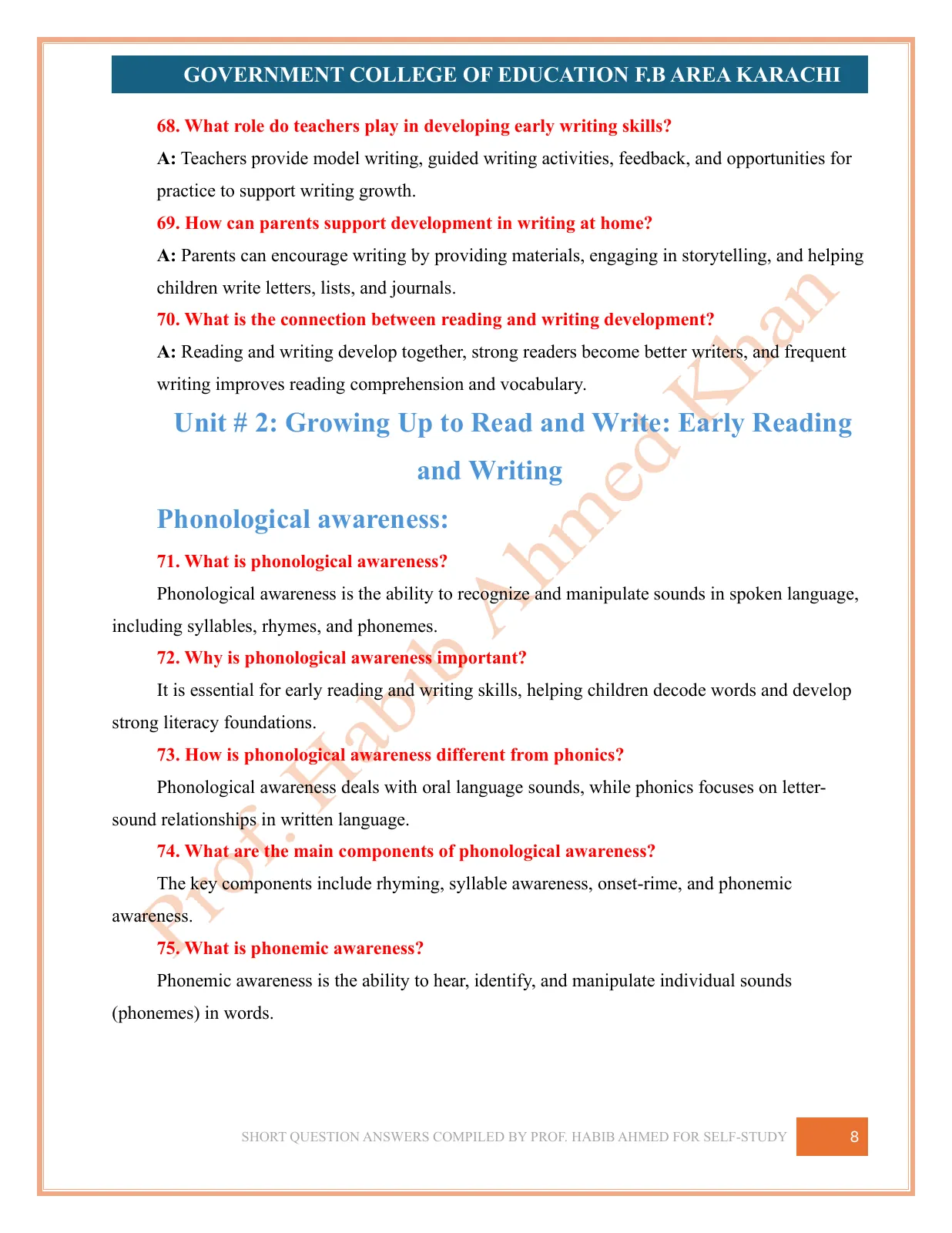
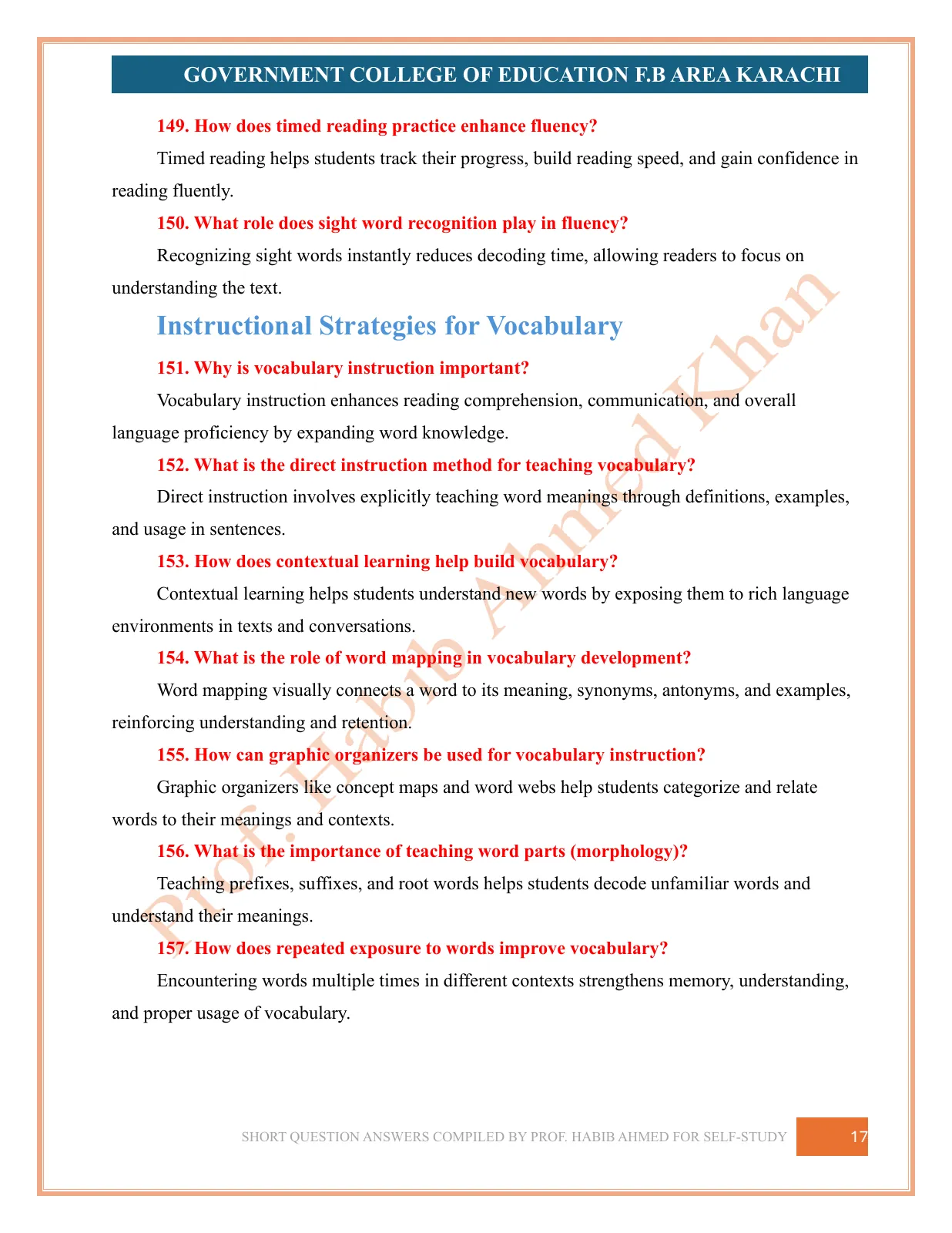
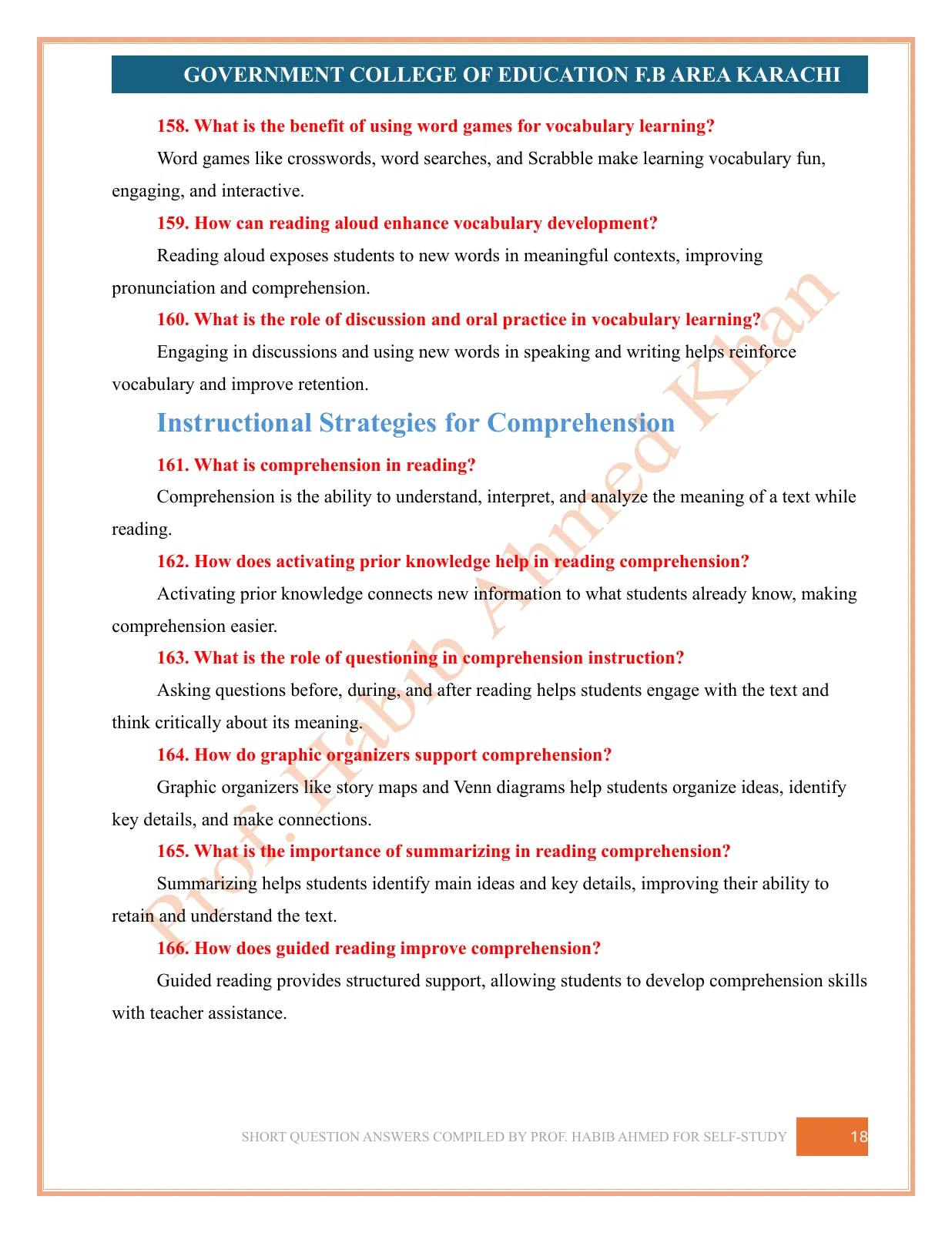
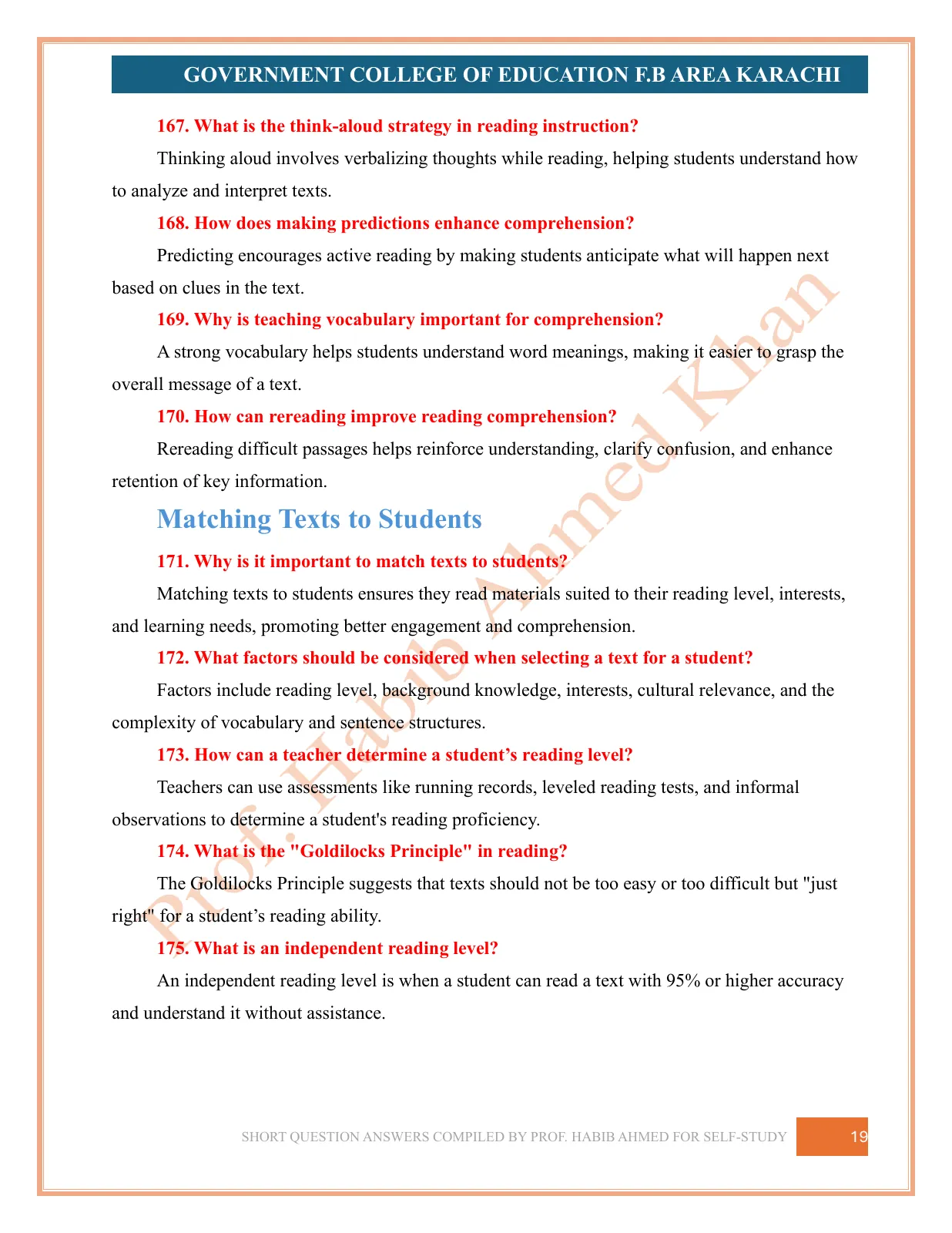
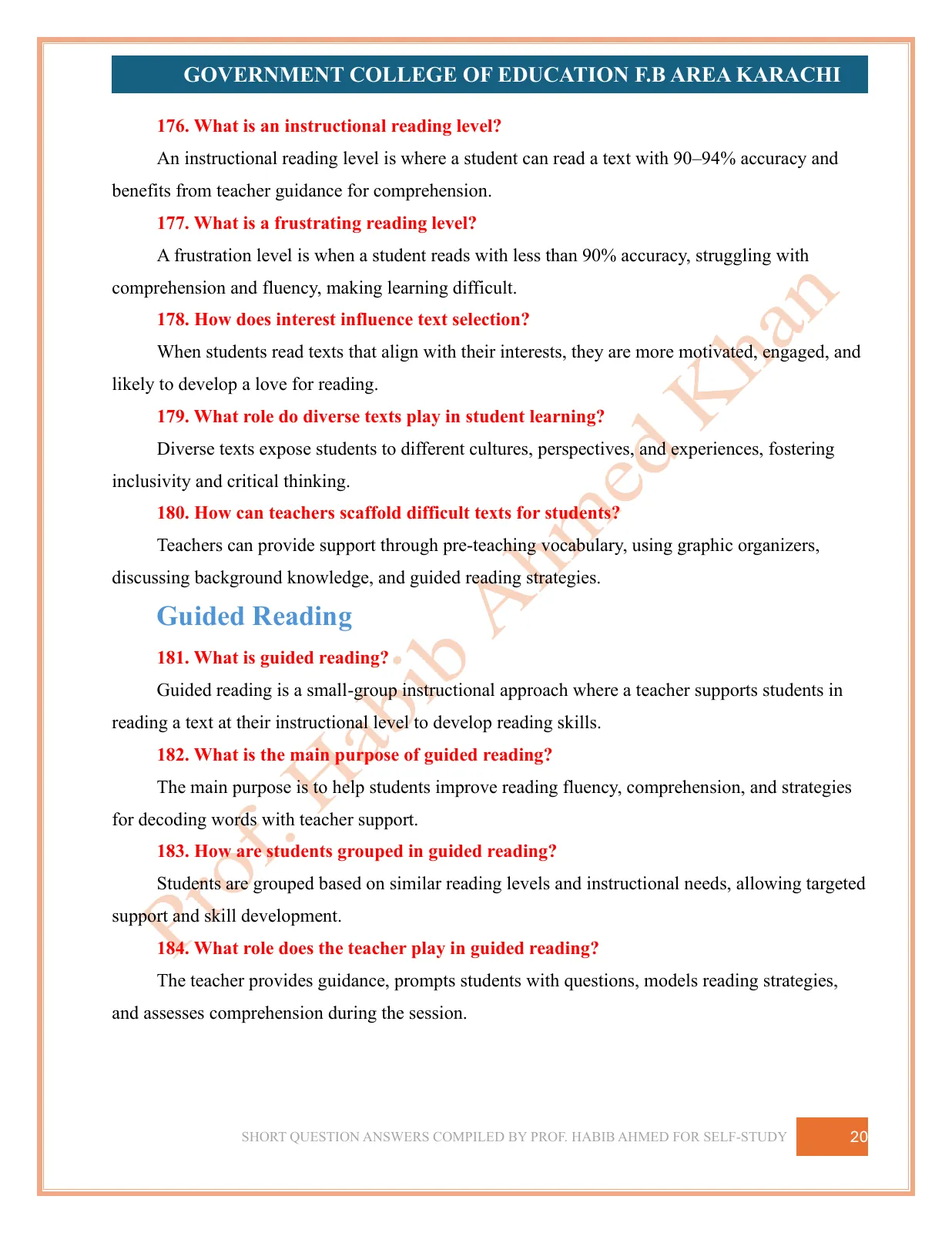
Short Question Answers goes over the same ground as 200 short questions, each with a brief answer, for revision — from “What is reading?” to how teachers can bring writing into reading instruction.
- Compiled by
- Prof. Dr. Habib Ahmed
- Format
- Self-study notes, two sets
- Course
- Teaching Literacy (DTE-411) — B.Ed. (Hons) 4 Year, 3rd semester
- Language
- English
Read online
Read the notes
Drag a page corner, swipe, or use the arrows to turn pages.
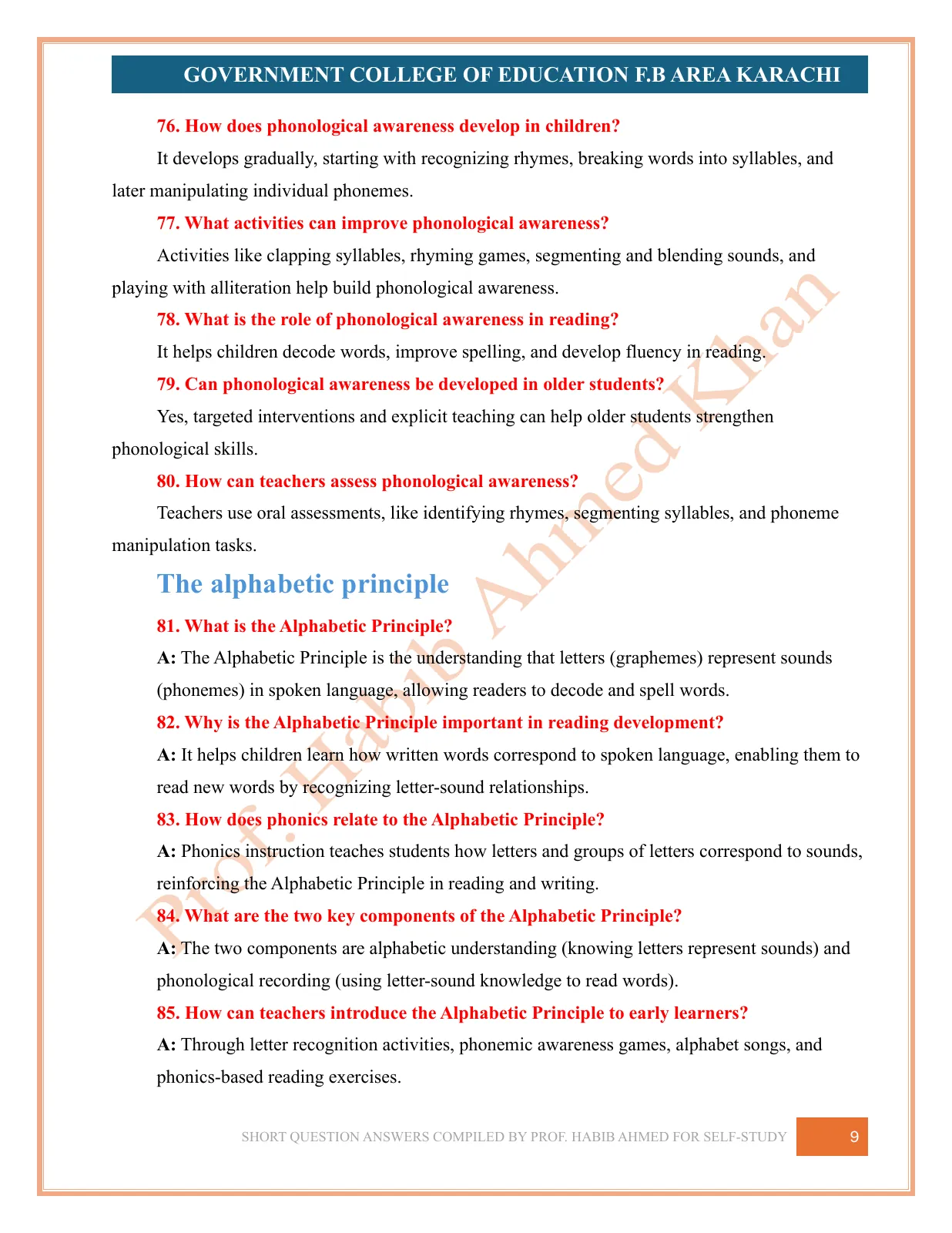
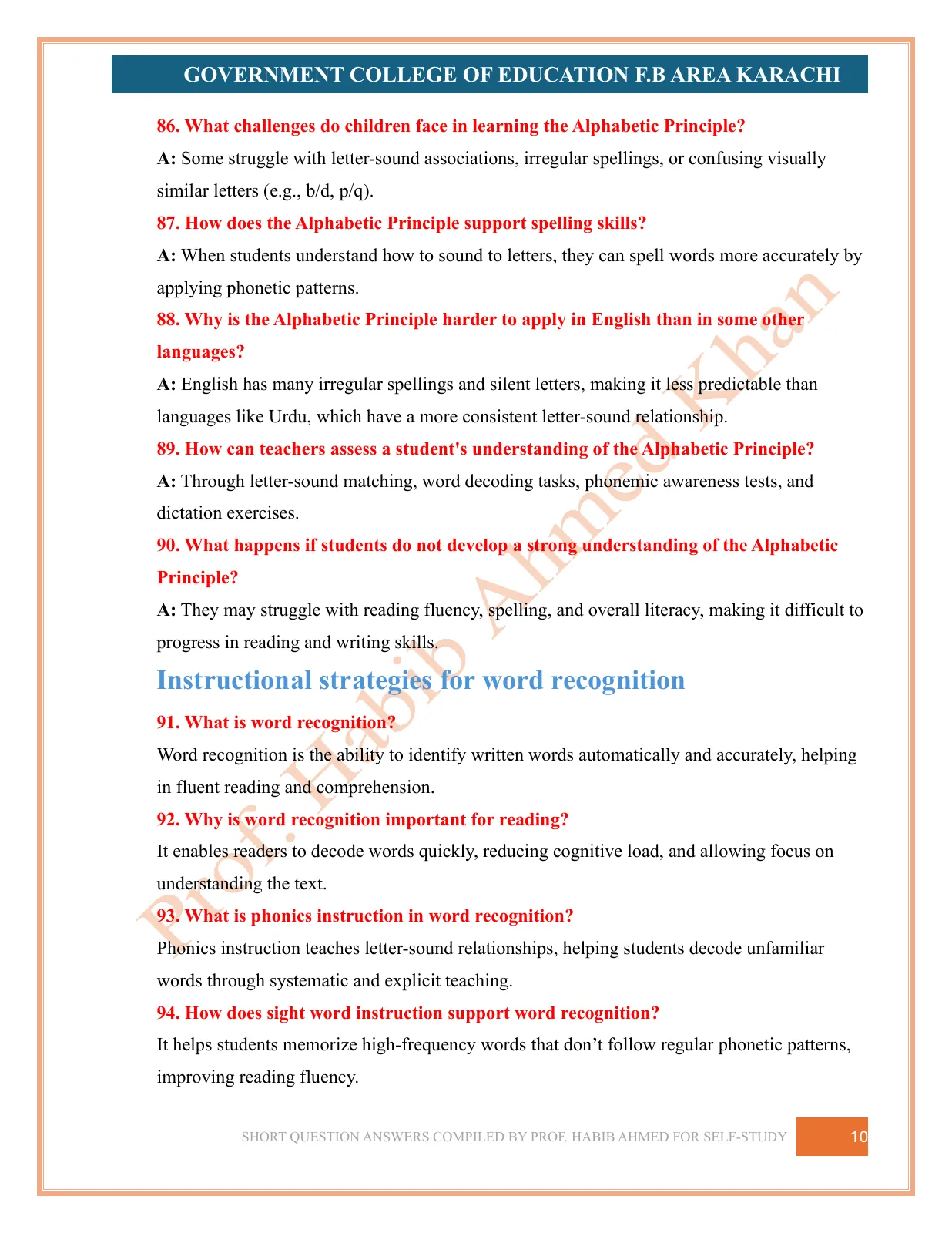
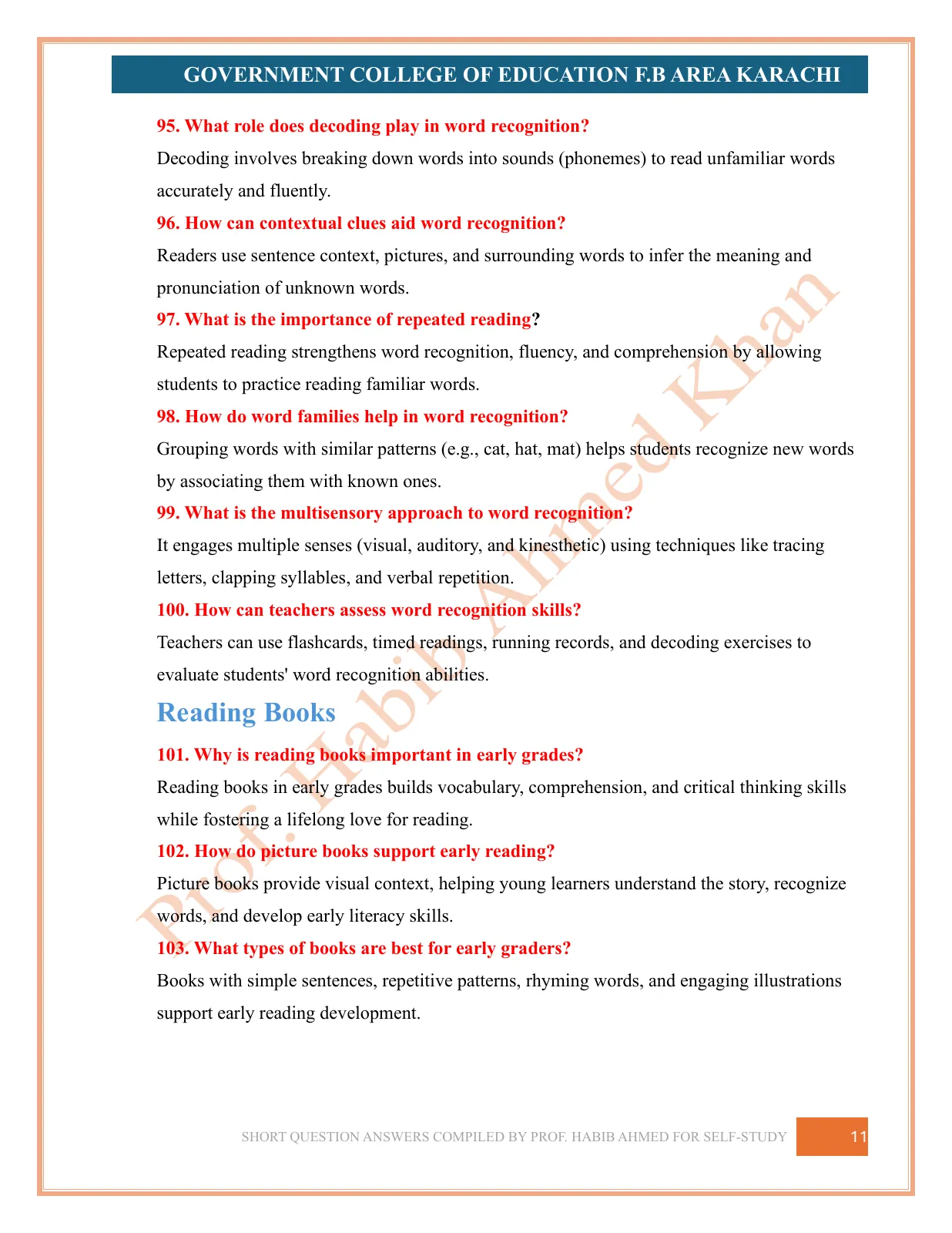
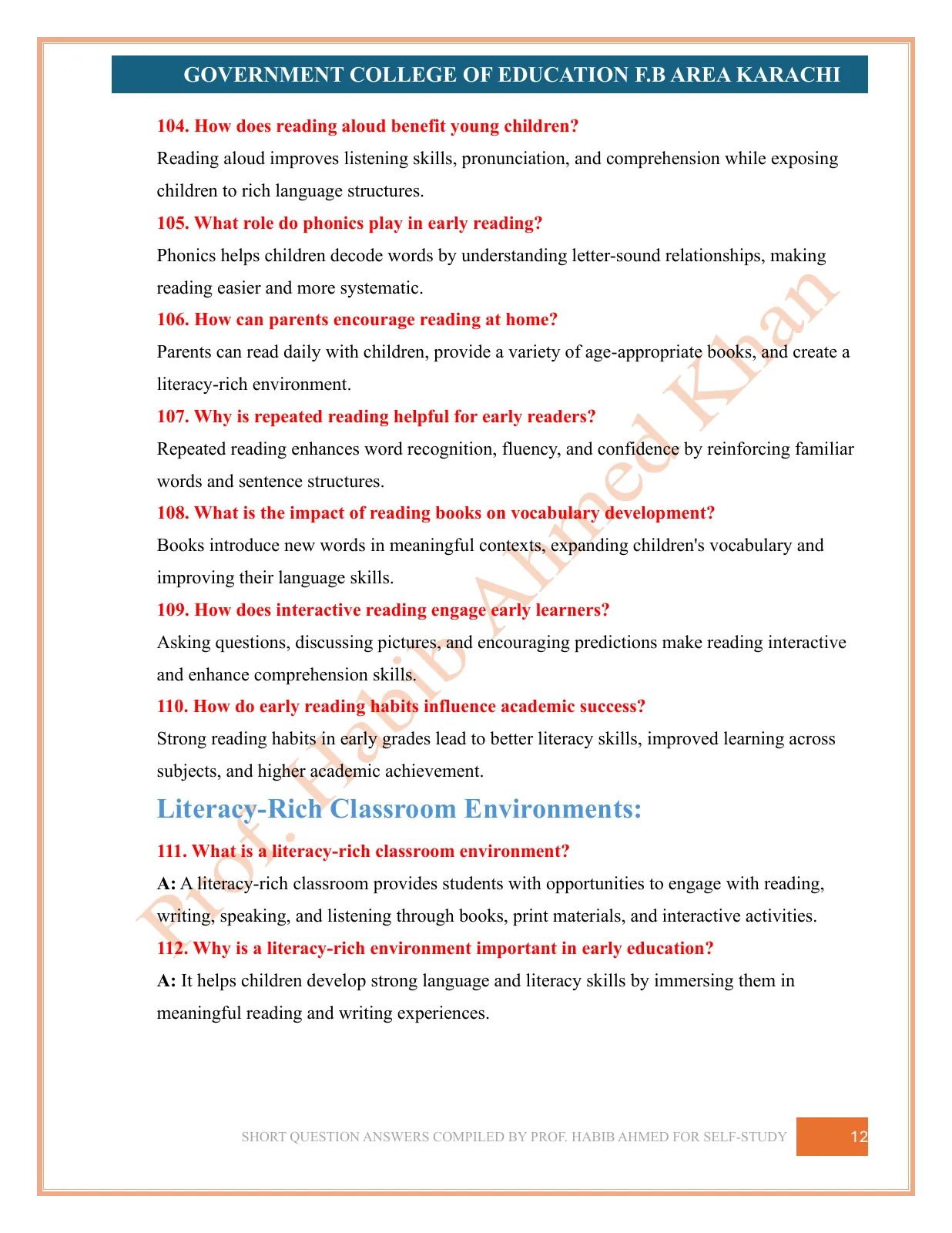
Drag a page corner, swipe, or use the arrows to turn pages.